
 Image 1 of 32
 Image 2 of 32
 Image 3 of 32
 Image 4 of 32
 Image 5 of 32
 Image 6 of 32
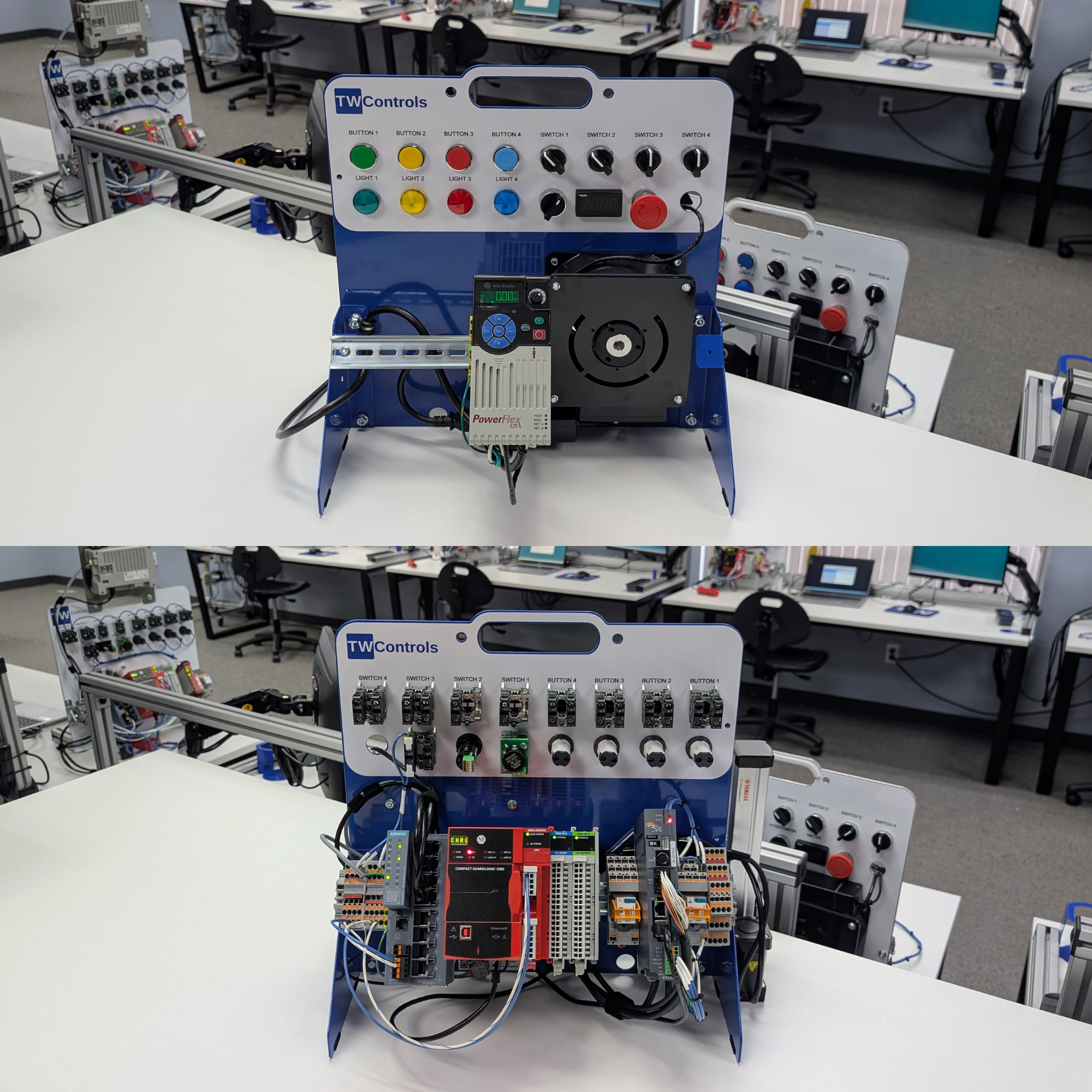 Image 7 of 32
 Image 8 of 32
 Image 9 of 32
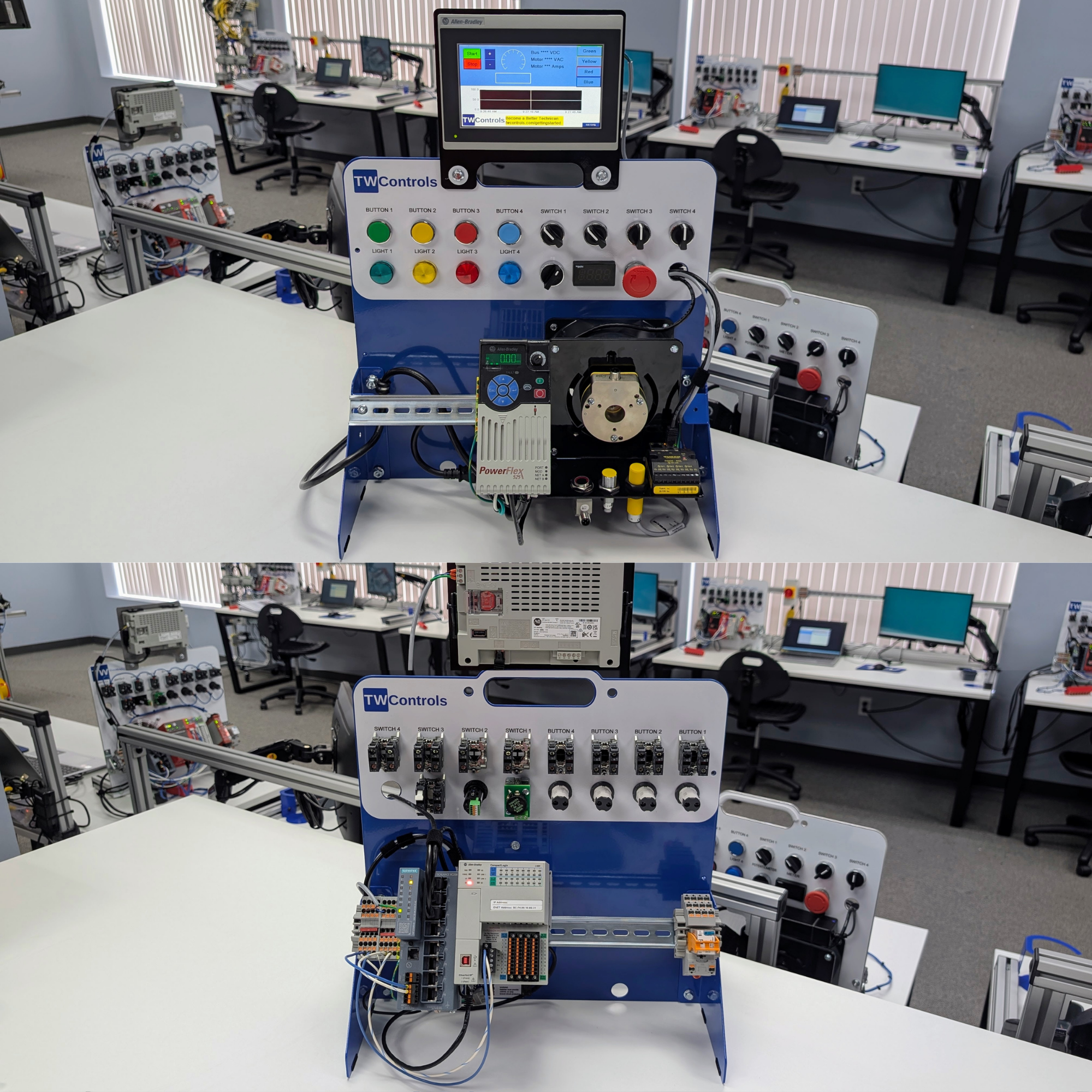 Image 10 of 32
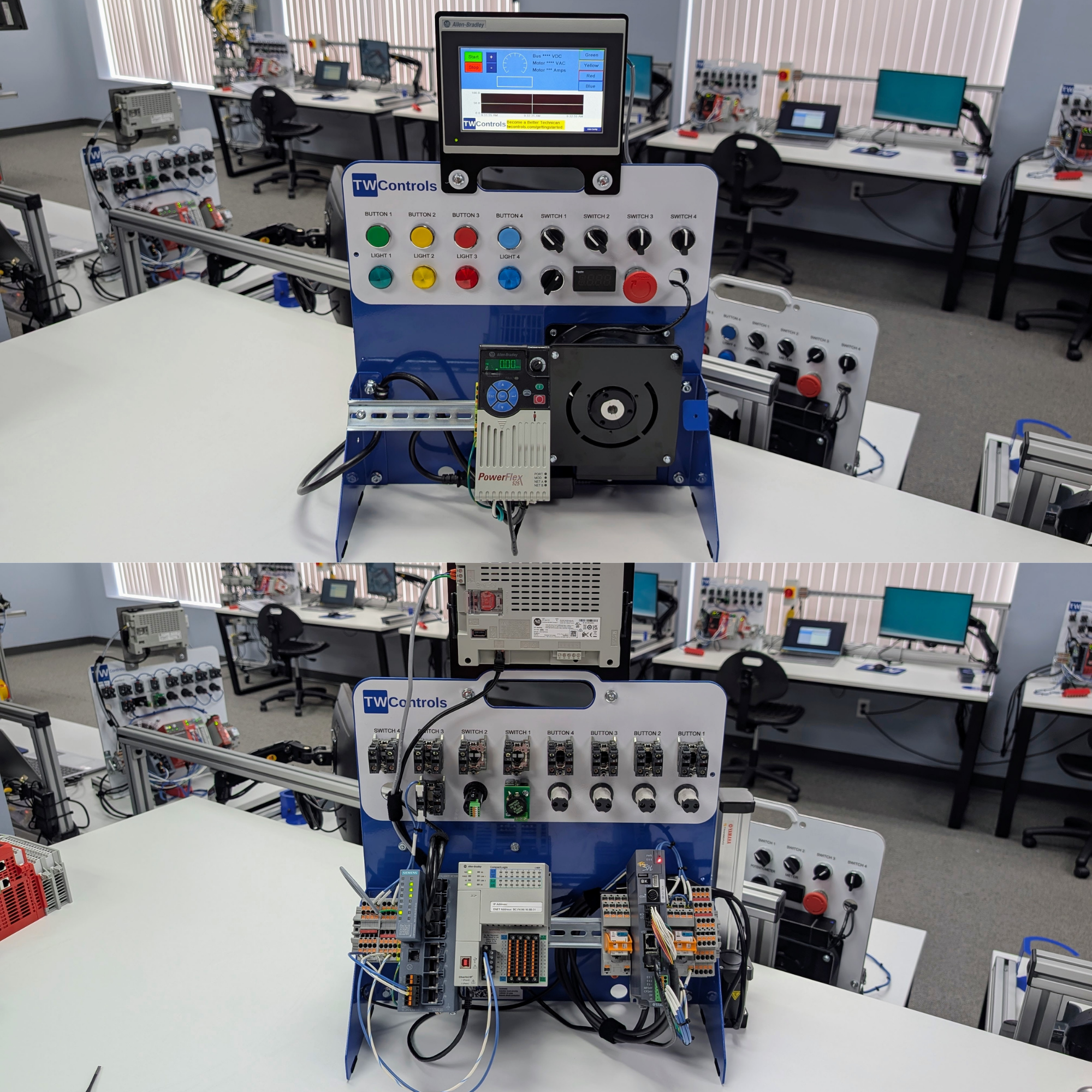 Image 11 of 32
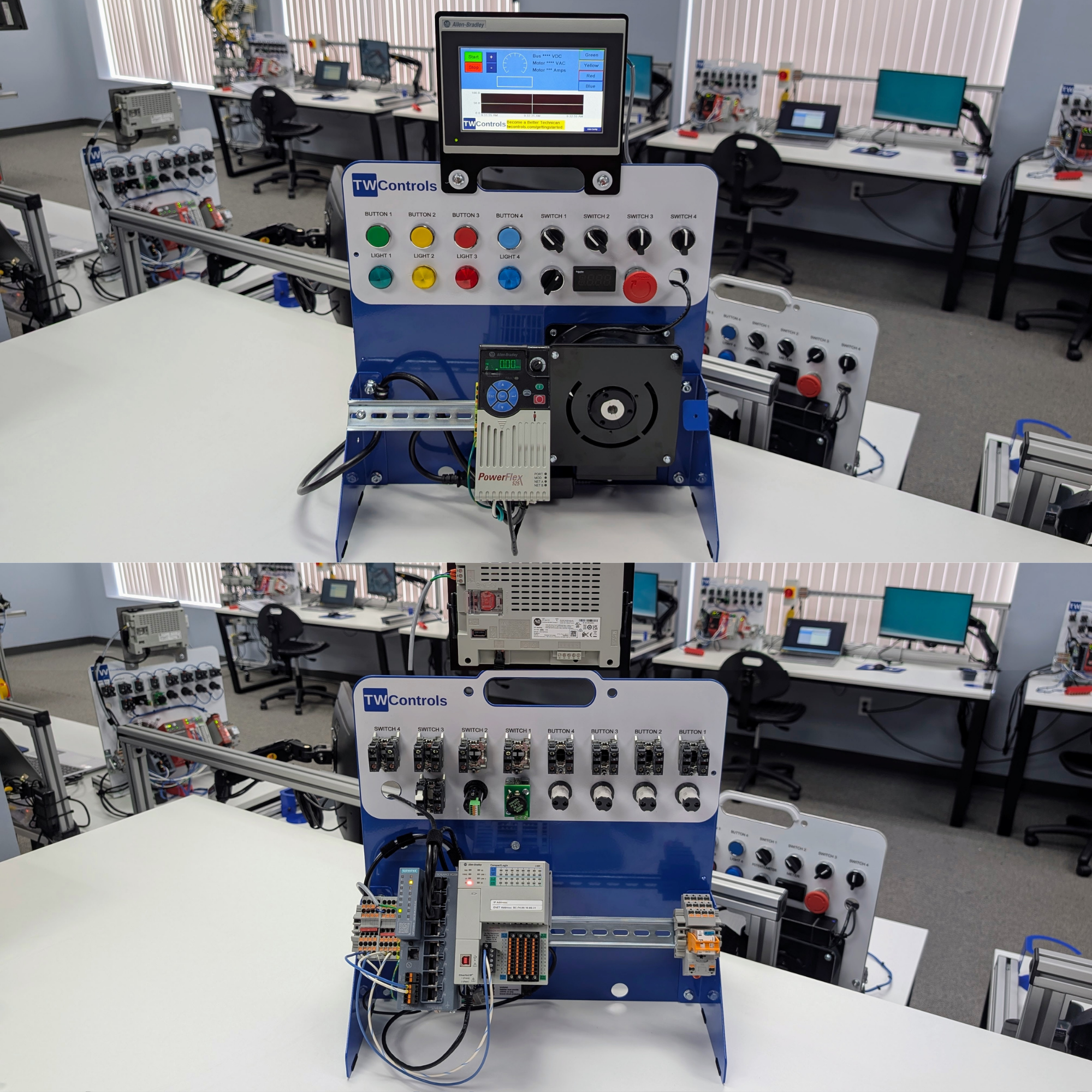 Image 12 of 32
 Image 13 of 32
 Image 14 of 32
 Image 15 of 32
 Image 16 of 32
 Image 17 of 32
 Image 18 of 32
 Image 19 of 32
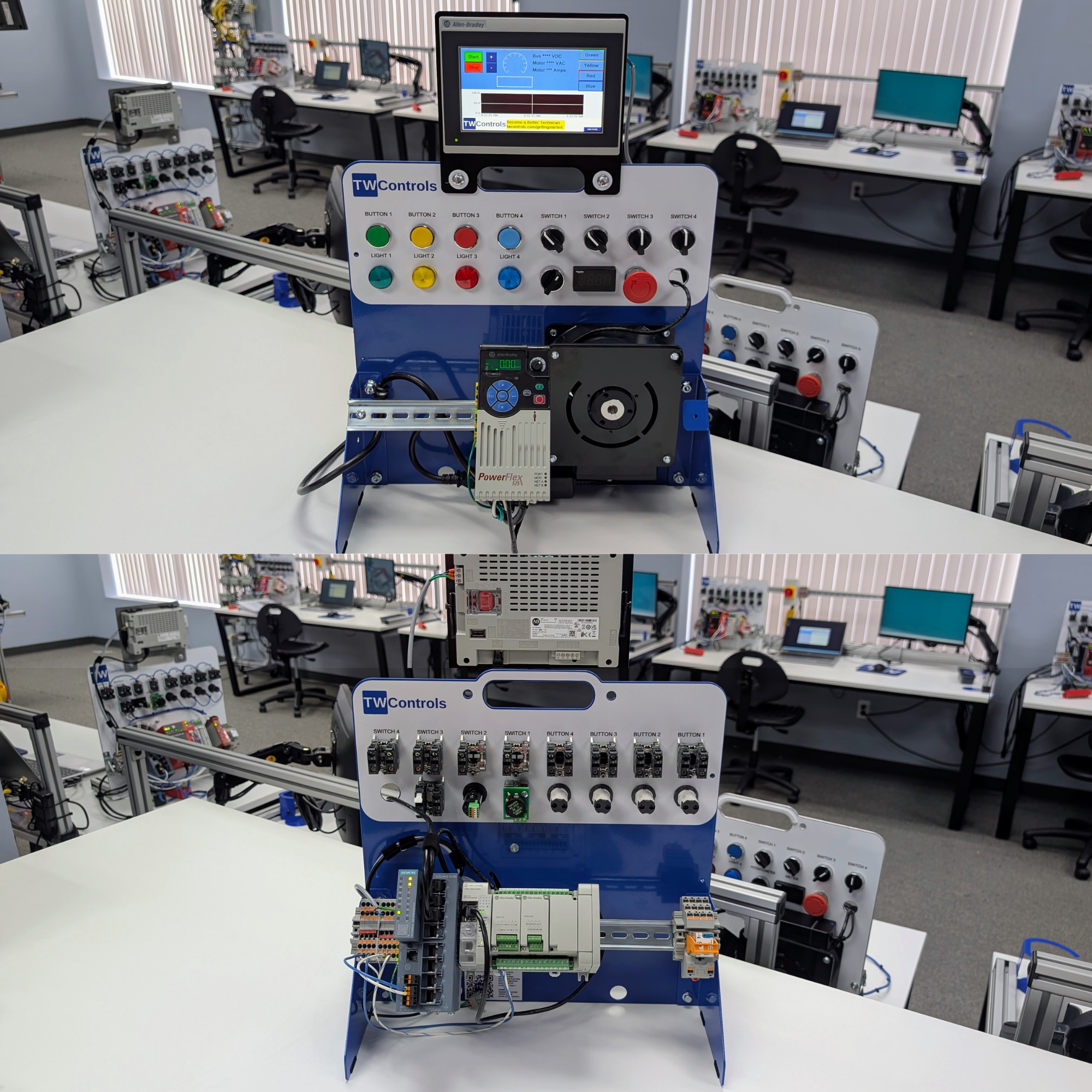 Image 20 of 32
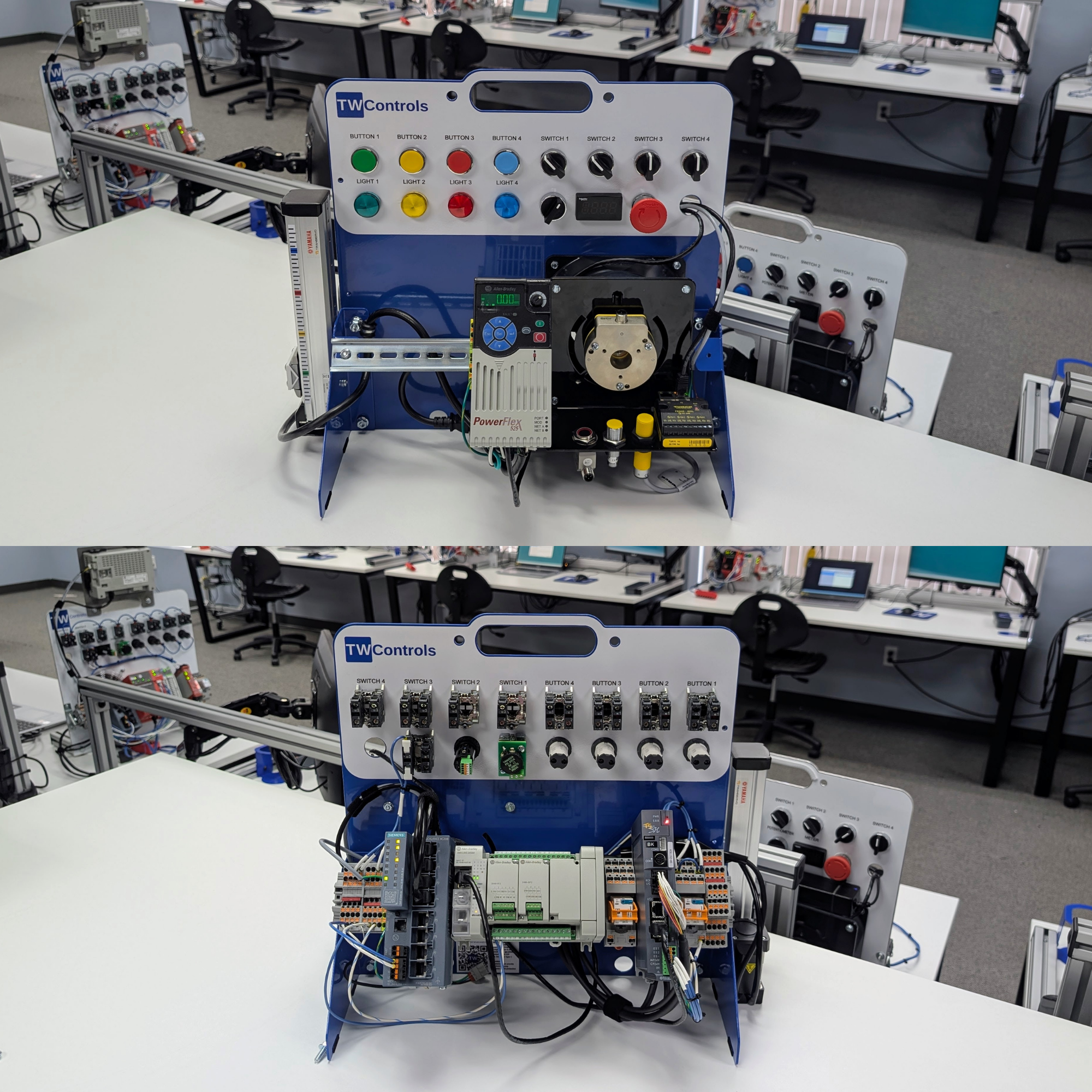 Image 21 of 32
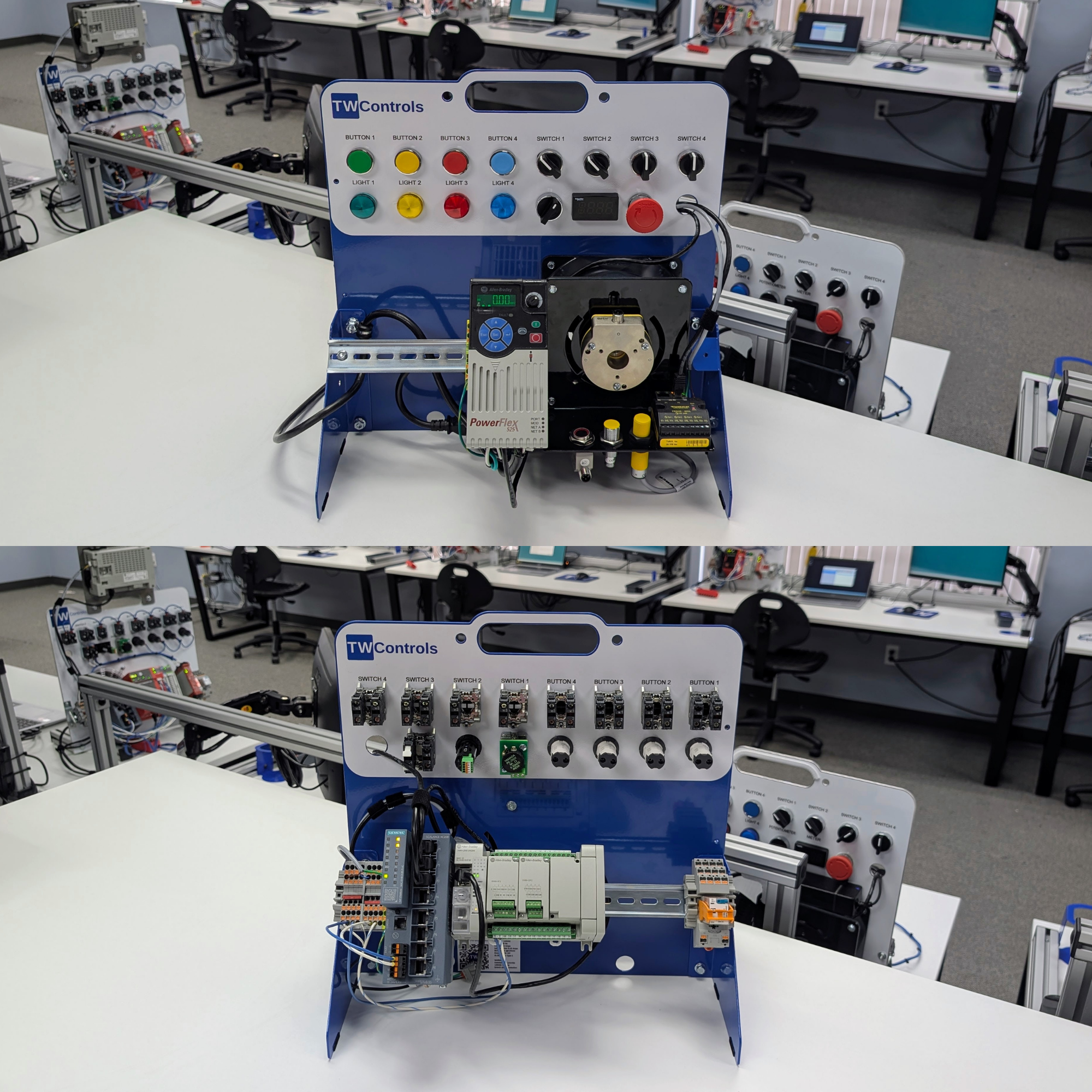 Image 22 of 32
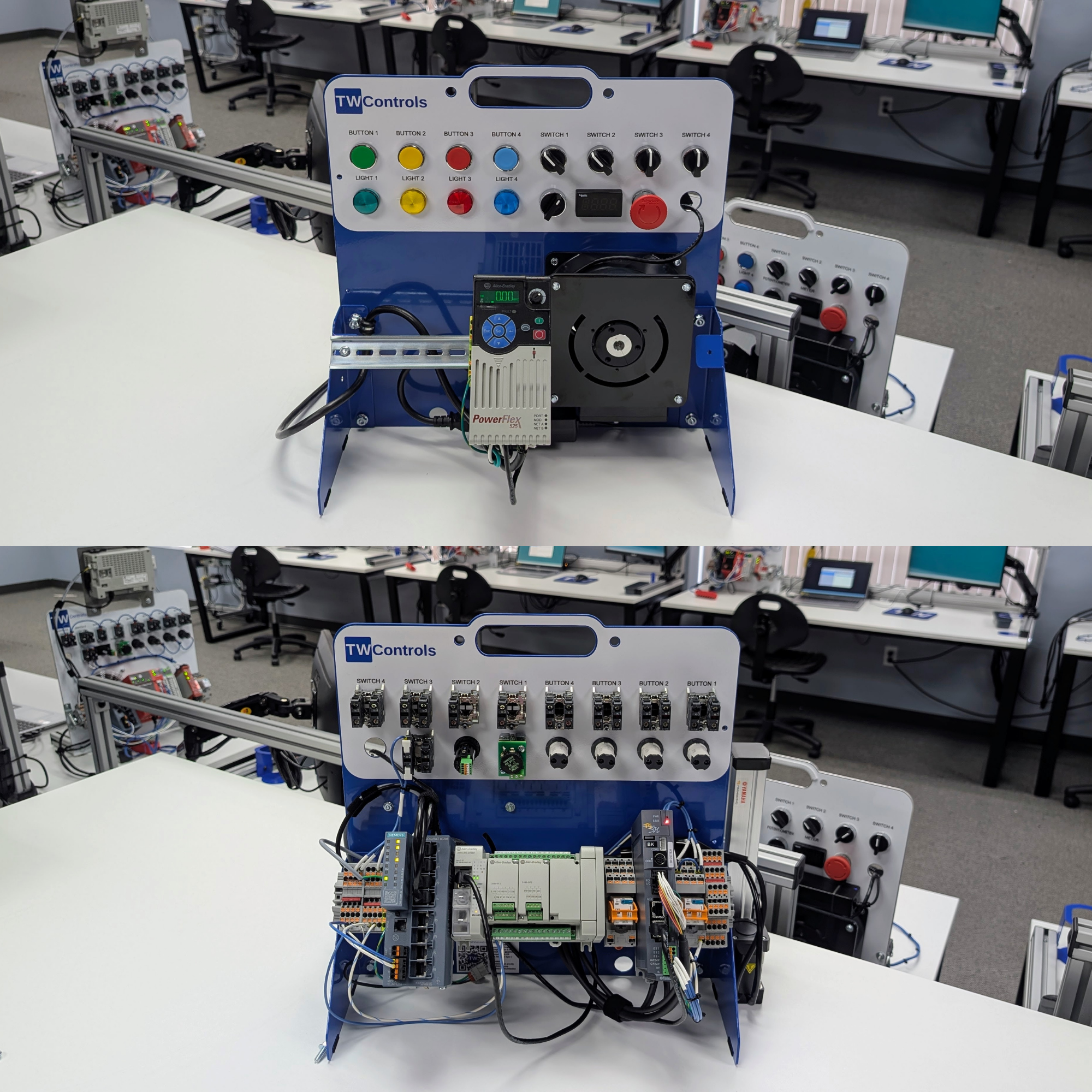 Image 23 of 32
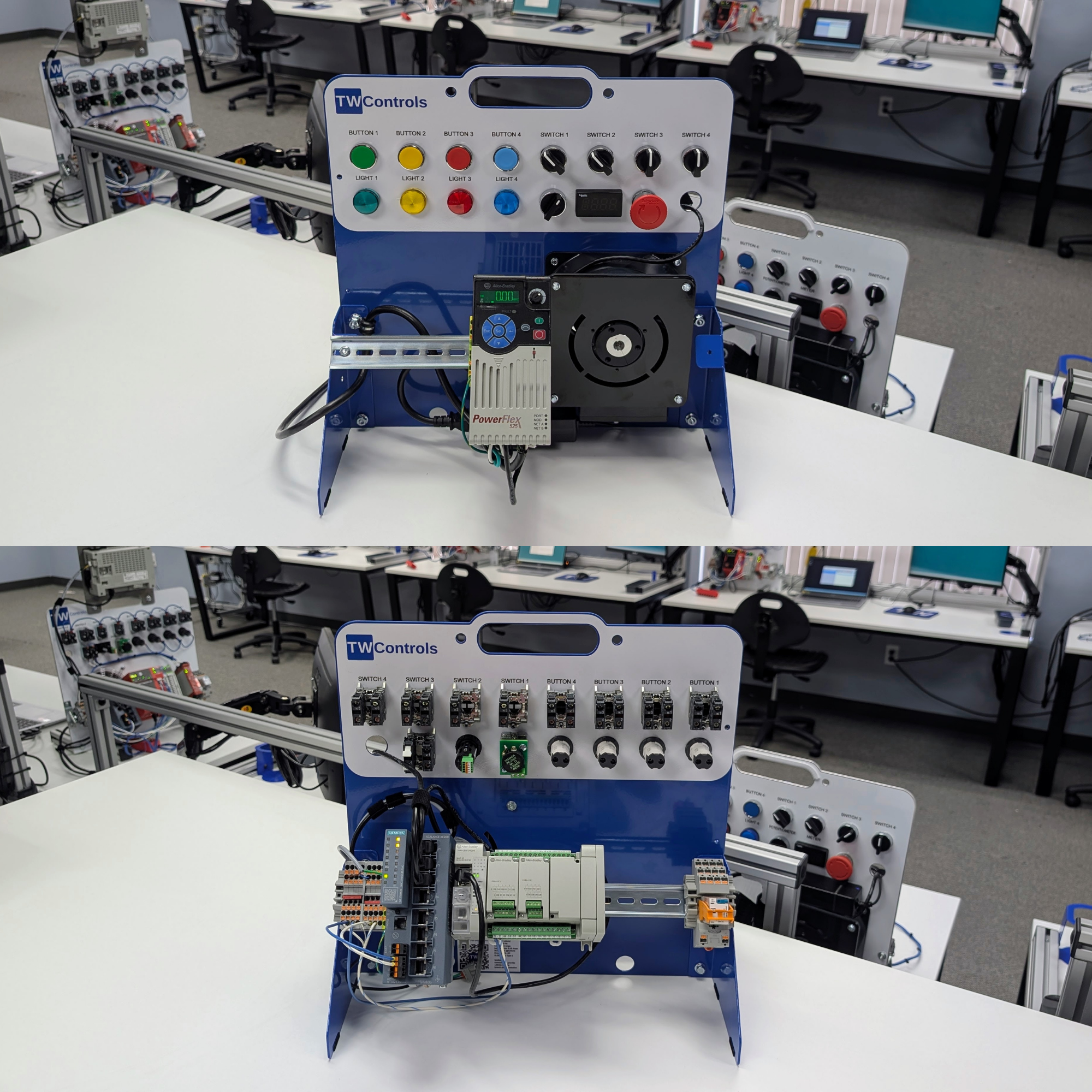 Image 24 of 32
 Image 25 of 32
 Image 26 of 32
 Image 27 of 32
 Image 28 of 32
 Image 29 of 32
 Image 30 of 32
 Image 31 of 32
 Image 32 of 32
Design Your Custom PLC Trainer

Get the exact PLC trainer you need to succeed in automation and manufacturing.
Lesson provided by Tim Wilborne who has made over 1000 instructional videos and has over 100,000 followers.
Click here to view the Online PLC Courses available for your PLC training.
Not only will you learn about the different programming aspects of manufacturing equipment, you will also learn industrial control wiring, installation debugging, and most importantly troubleshooting systems when they don’t work.
These are the same PLC trainers that we use in our classes. Our hands on approach to learning can be replicated in your technical school, college, or in the comfort of your own home.
Benefits
☑️ Increase skills
☑️ Increase employee retention
☑️ Reduce unplanned downtime risk
☑️ Reduce time to repair
☑️ Improve workforce development
☑️ Prepare for the digital transition
Who is this trainer for:
☑️ Maintenance Technicians
☑️ Instrumentation Technicians
☑️ Automation Technicians
☑️ Engineers and Software Developers
☑️ Students in Engineering and Mechatronics
☑️ Anyone who needs cross-training on PLCs
Trainer Features
☑️ 120VAC wall powered
☑️ Portable size for use on table/desk
☑️ Lightweight design
☑️ Optional case for easy transportation
☑️ Free access to online PLC courses
About Us
☑️ Family owned company located in Roanoke, VA
☑️ Established in 2006
☑️ Made in the USA
☑️ Advocates for manufacturing and skilled trades
☑️ Our training center uses these same concepts
What you will learn depending on options selected
PLC and HMI Programming
Downloading, uploading, and going online
Locating I/O tags and devices, tag aliases, forcing I/O, and toggle bits
Basic instructions, timers, and counters
Machine step sequencing methods
Analog scaling and mathematical manipulation
PID Proportional Integral Derivative for process control
Data types and numbering systems
Arrays with 1, 2, and 3 dimensions and manipulating data inside them, indexed/indirect addressing
Add on instructions (AOI) and User Defined Data Types (UDT)
Create and organize a project
Create periodic and event tasks
Common PLC programming languages: Ladder Logic Diagram (LD), Function Block Diagrams (FBD), Structured Text (ST), and Sequential Function Charts (SFC).
Program control JSR, JMP/LBL, FAL
GSV/SSV to get module information, Data/Time, and other advanced diagnostics information.
Password protection
Upgrading and downgrading firmware
Integrating with 3rd party devices
Motion Control for pick and place and industrial robotics applications
Kinetix motion instructions even though this is a non-motion PLC
Can be integrated with cobots
Industrial Control Wiring including AC drives and 3 Phase Motors
Real wire, real terminal screws, and real termination points. You can’t learn to wire UL 508A Industrial Control Panels using 2mm banana plugs
Wiring discrete and analog inputs and outputs, safe for students at 24VDC
Using a multimeter for voltage, amperage, and continuity checks
Reading electrical wiring diagrams and understanding schematic symbols
Sensors, how to wire and the difference between the most common types: photoelectric, inductive proximity, and capacitive
Relays and solid state devices
IO Link., learn about advanced sensors and diagnostics
Basic AC and DC fundamentals
AC drives and 3 phase motors
Powerflex 525 VFD Variable Frequency Drive
AC Induction Motor
Acceleration and deceleration, motor braking, jogging, and protection
Control methods including hardwired start/stop, HOA Hand Off Auto, and Ethernet/IP control
Integrating with PLCs and HMIs
Networking and Cyber Security
Basics of IP address, subnet, and gateway
Configuring your PC to communicate with your PLC over Ethernet
Communicating with remote Ethernet I/O, and distributed I/O
Produced and Consumed tags (between two PLC trainers)
Message Instructions
Realtime data logging and acquisition
Analyze and troubleshoot systems using trend charts
Ethernet/IP in the IO Configuration and Modbus TCP via Add On Instruction (AOI)
Industry 4.0, IIoT, and integrated systems
Remote monitoring and analytics
Alarms and emailing on events
Configuring Ethernet switch, layer 1, layer 2, and layer 3
Industrial Cyber Security
Diagnose and resolve issues with Ethernet switches and devices on a network
Set up one-to-one IP address translation (NAT) for segmenting machine-level network devices from the plant network
DLR Device Level Ring topology for redundancy
Trainers can be interconnected with each other to simulate a manufacturing plant network