
Go Beyond "On" and "Off" Standard sensors tell you if a part is present.
IO-Link sensors tell you how well the system is performing. This course teaches you how to leverage smart sensors to predict failures before they cause downtime.
CLASS: SENSORS-101 - Sensor & IO-Link Integration Training
LENGTH OF TIME: 2 Days
LOCATION: Roanoke, VA
COST: $50 per person
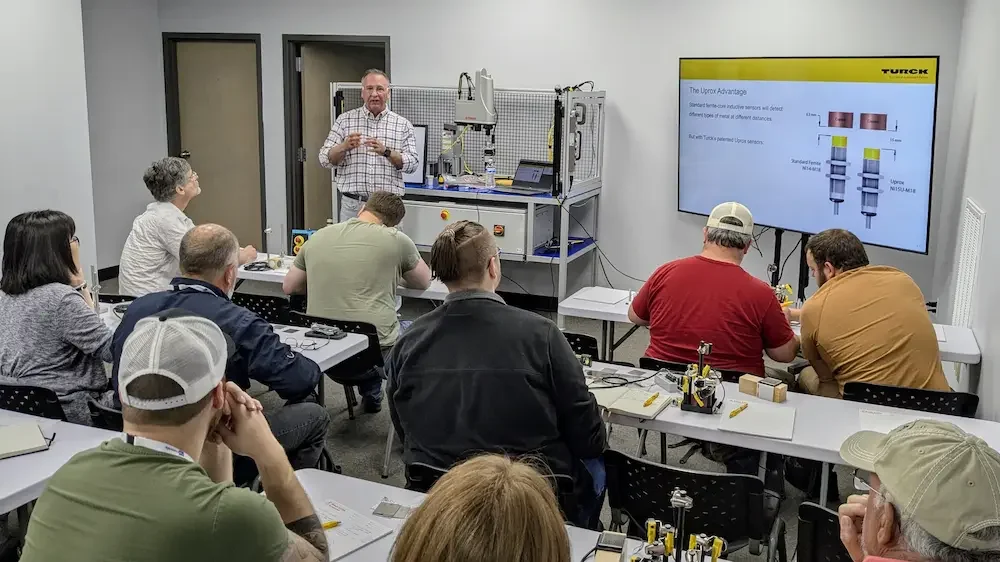
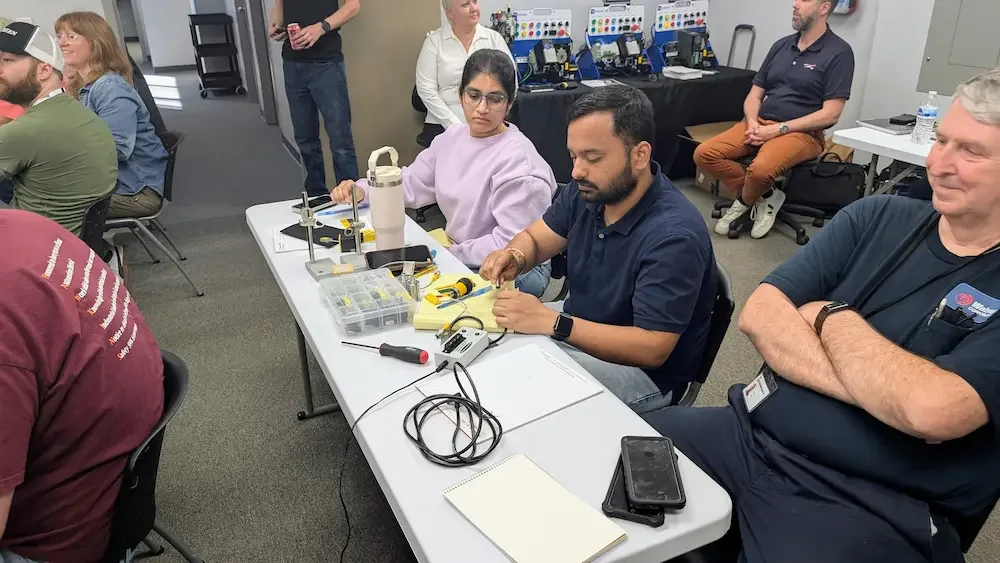
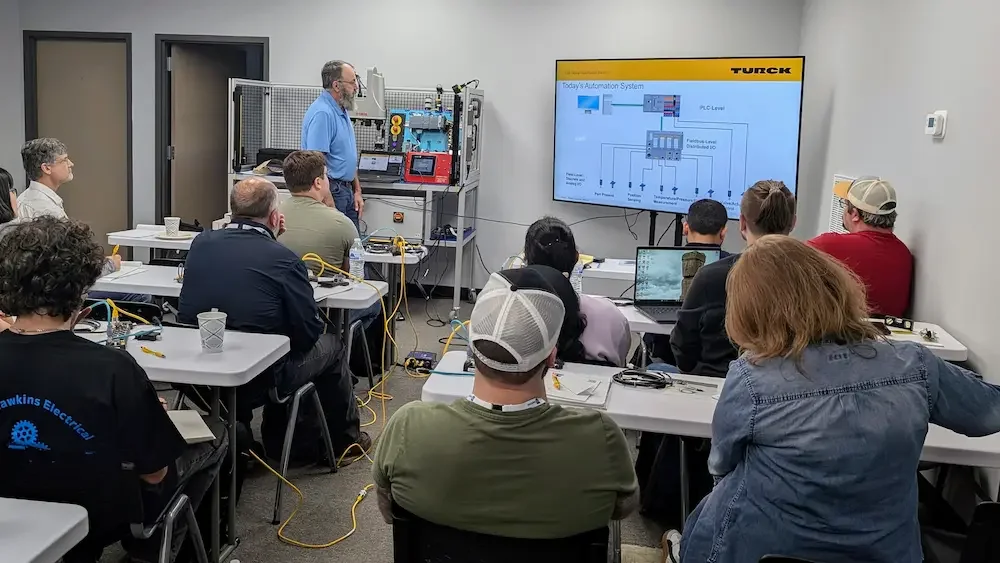
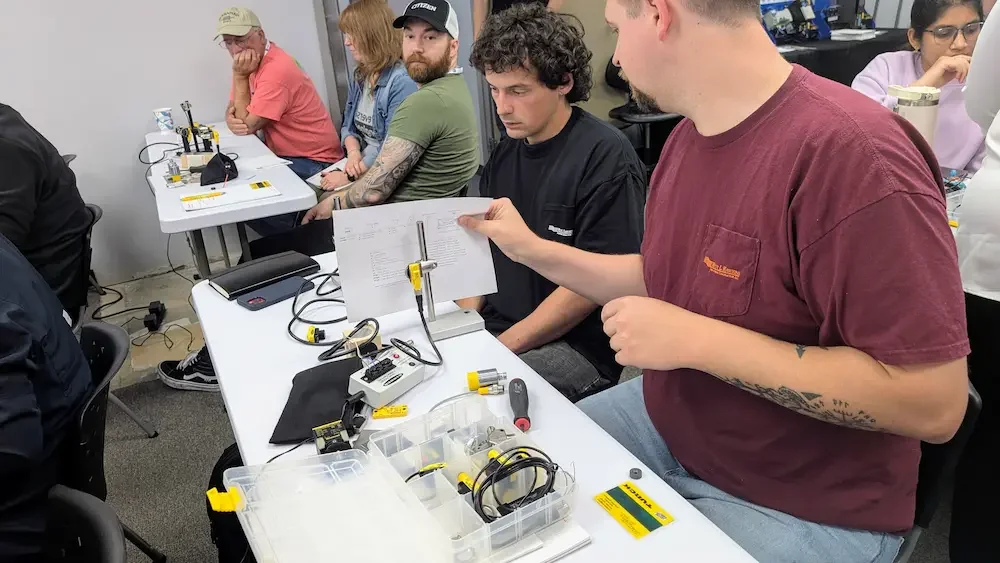
What You Will Learn
Sensor Theory and Selection Before you can program a sensor, you have to understand the technology behind how it detects an object. You will learn the principles of operation for:
Inductive and Capacitive Proximity sensors.
Ultrasonic and Laser distance measurement.
Photoelectric sensors (Through-beam, Retro-reflective, and Diffuse).
Wiring and Cabling Standards Understanding how to physically connect these devices is critical for system reliability. We cover:
Discrete Wiring: Wiring NPN and PNP sensors to standard PLC input cards.
IO-Link Connectivity: Utilizing M12 "A-coded" connectors and standard unshielded 3-wire cables.
Cable Management: Best practices for routing sensor cables to minimize electrical noise and physical wear.
Pinouts: Identifying standard wire colors and pin assignments for 3-wire and 4-wire DC sensors.
How to Select the Right Sensor Learn a systematic approach to choosing the correct technology for your application. We cover:
Technology Comparison: Evaluating the strengths and limitations of different sensing methods.
Selection Criteria: Choosing sensors based on target material, environment, and required precision.
Output Basics: Identifying when an application requires the data-rich capabilities of IO-Link.
IO-Link Fundamentals
Architecture: How the IO-Link Master acts as a gateway between field devices and the PLC.
Data Types: Understanding parameters, process data, and diagnostic events.
Allen-Bradley Integration Learn the specific steps to bring IO-Link data into the Logix environment:
Master Configuration: Adding IO-Link Masters to the I/O configuration in Studio 5000.
IODD Files: Importing and using I/O Device Description files to generate descriptive tags automatically.
Automatic Device Configuration (ADC): Setting up the PLC to automatically download parameters to a replacement sensor.
Diagnostic Logic: Writing code to monitor sensor health and internal device temperatures.
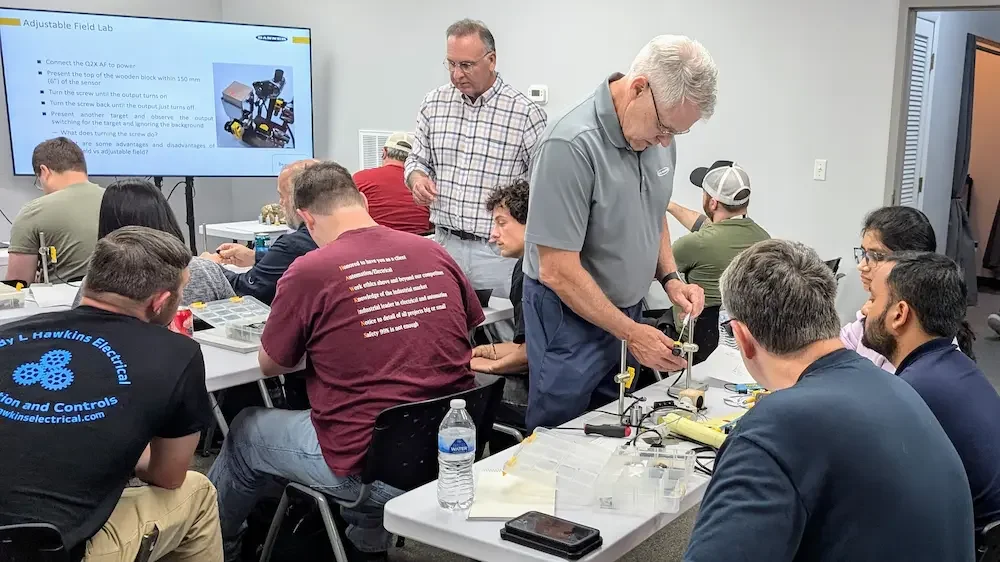
Hands-On Lab Exercises
Precision Measurement: Scale a laser distance sensor over IO-Link to measure part tolerances.
Advanced Troubleshooting: Use sensor diagnostics to identify a dirty lens or a misaligned target before the machine stops.
Plug-and-Play Replacement: Experience ADC firsthand by swapping a sensor and watching the PLC configure the new device automatically.