
 Image 1 of 1
Core Capabilities
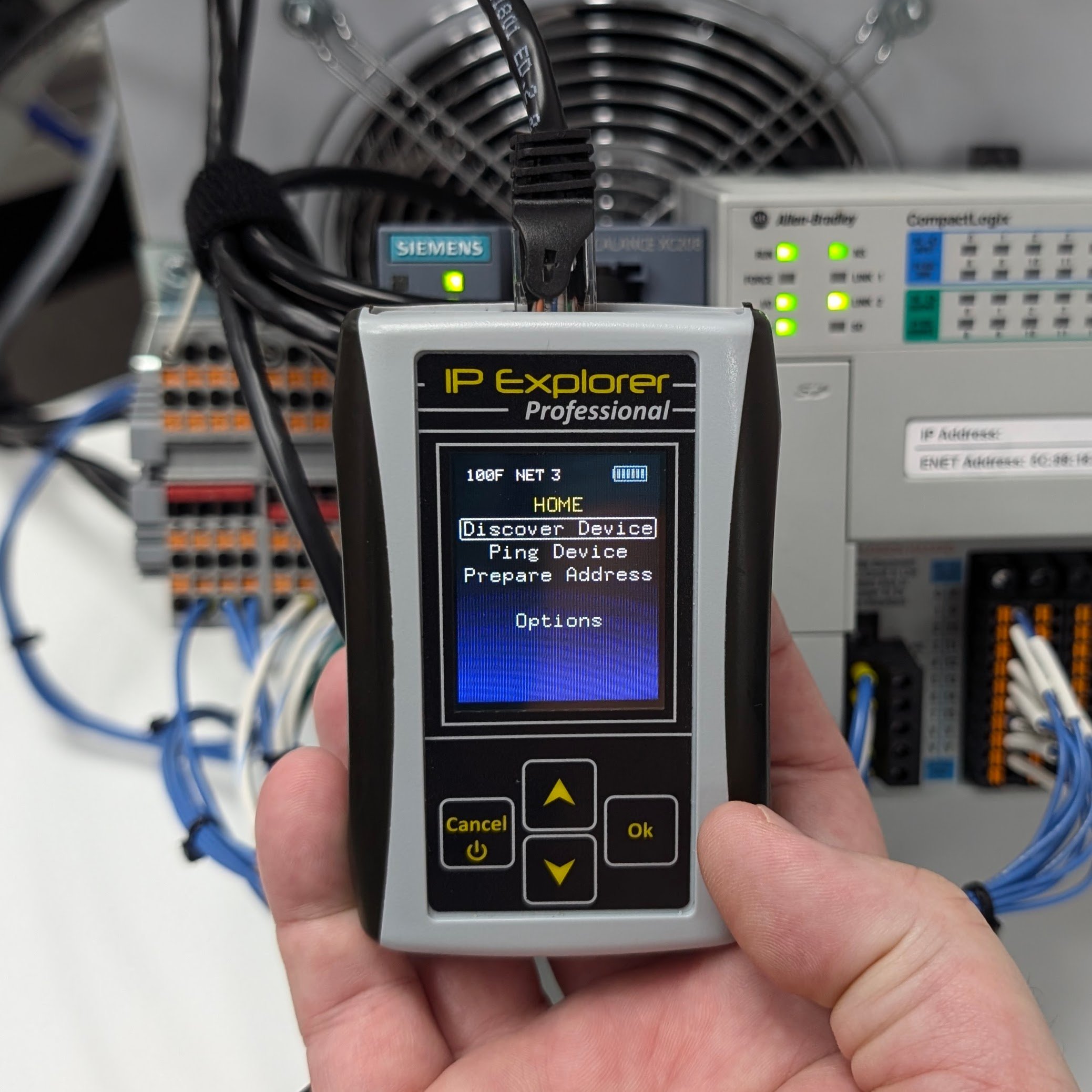
Instant IP Discovery: Actively listens to network traffic to discover unknown IP addresses by identifying EtherNet/IP, Profinet, GigE, and ARP packets without choking the network like a traditional port scanner.
Standalone DHCP/BOOTP Server: Replaces the need for computer-based software. Quickly assign any IP address to industrial control devices, including PLCs, communication modules, smart switches, and I/O adapters.
Static IP Management: Easily change static IP addresses or toggle between static and dynamic (DHCP/BOOTP) modes on any Ethernet/IP CIP-compliant device.
Detailed Device Diagnostics: Pulls critical information directly from the device via Ethernet/IP, including the specific Model, Revision, and Serial Number.
Universal Industrial Support: Designed to work with major industrial brands like Allen-Bradley and Siemens, featuring 10/100 Full/Half duplex support with autonegotiation.
System Requirements & Compatibility
Universal Tool: This is a standalone, handheld tool that works with all TW Controls PLC Trainers and any Ethernet-enabled industrial automation equipment.
Network Ready: Simply plug into any live network port or directly into a device to begin discovery and assignment.
What You Can Do With This Tool
Identify "Ghost" Devices: Find that mystery PLC or drive on the network that has an unknown IP address without having to reset the hardware to factory defaults.
Commission New Hardware: Set the IP address on out-of-the-box modules in seconds, allowing you to get online with your programming software immediately.
Troubleshoot Network Mismatches: Verify that a device's internal IP settings match your project configuration, reducing downtime during machine startup.
Manage Field Replacements: Quickly configure a replacement I/O adapter or VFD with the correct IP address so it can communicate with the existing plant network.
Audit Network Traffic: Monitor active packets to confirm which protocols (Profinet, EtherNet/IP, etc.) are currently communicating on a specific segment.