
Connected Components Workbench: The Modern Micro Guide
Small-scale automation doesn't have to be expensive. Whether you are commissioning a new Micro820 or integrating a PowerFlex drive, Connected Components Workbench (CCW) is the all-in-one tool for the job. This guide is built to help you navigate the software and get your machine running—without the licensing fees.
Connected Components Workbench represents a shift in how Rockwell Automation handles small-scale control. It moves away from the fragmented software of the past and into a unified, IEC 61131-3 compliant environment.
The All-in-One Advantage
One of the biggest hurdles for technicians has always been juggling different software for different devices. CCW solves this by allowing you to configure your Micro800 PLC, your PowerFlex VFD, and your PanelView 800 HMI all within the same project file.
Standard vs. Developer Edition
The most common question is: "Is it actually free?"
Standard Edition: Absolutely free and includes everything a technician needs to program, download, and troubleshoot.
Developer Edition: A paid license that adds advanced features like "Run Mode Change" (editing code without stopping the PLC) and User-Defined Data Types.
| Feature | RSLogix 500 (Legacy) | CCW (Modern Micro) |
|---|---|---|
| Addressing | Fixed (B3:0/1, N7:0) | Variable Tags (Motor_Start) |
| Logic Styles | Ladder Logic Only | Ladder, Function Block, Structured Text |
| Memory Organization | Data Files | Global vs. Local Variables |
| Reusable Logic | Subroutines (JSR) | User Defined Function Blocks (UDFB) |
| Standards | Proprietary A-B | IEC 61131-3 Compliant |
Step-by-Step Connected Components Workbench Training Modules
Follow these lessons in order to build a solid foundation.
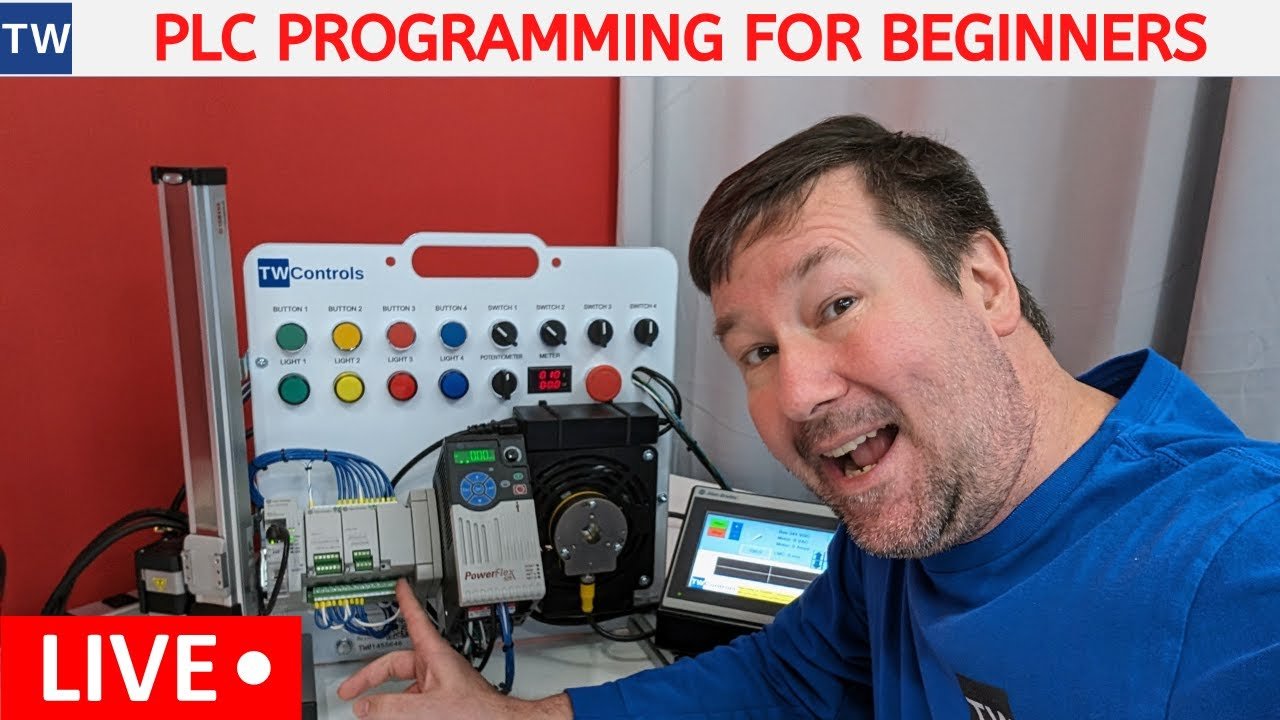
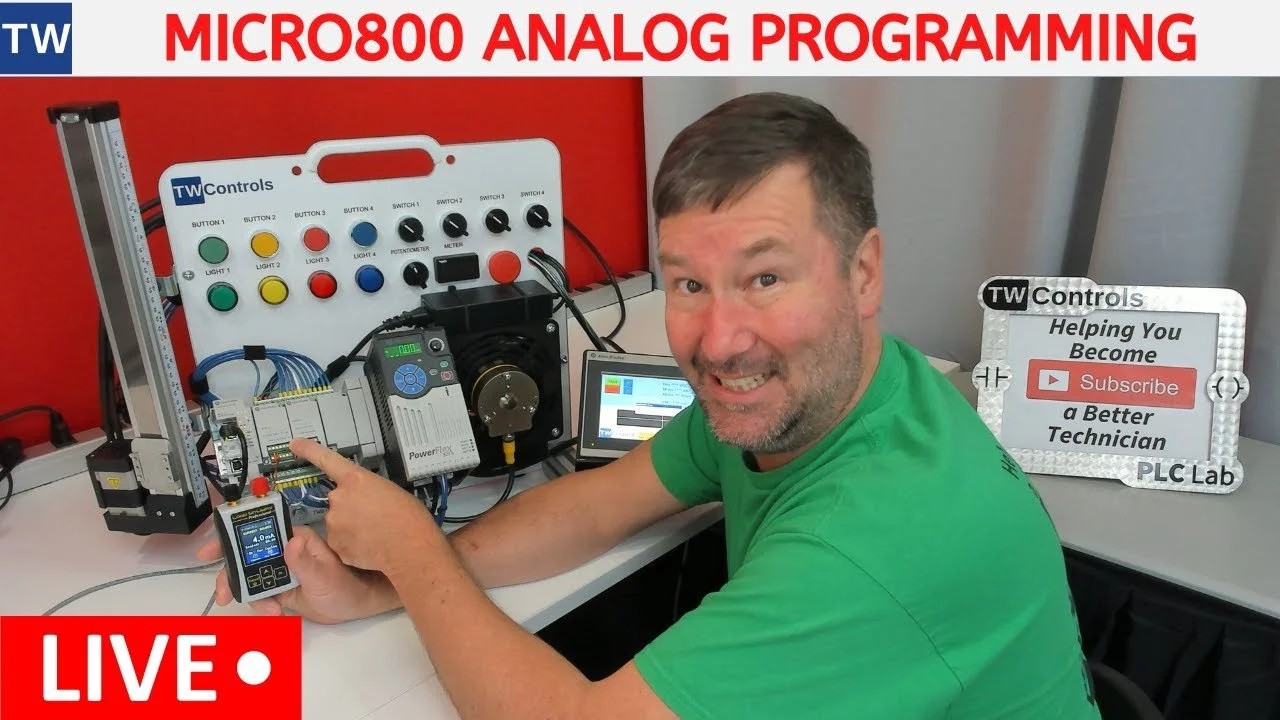
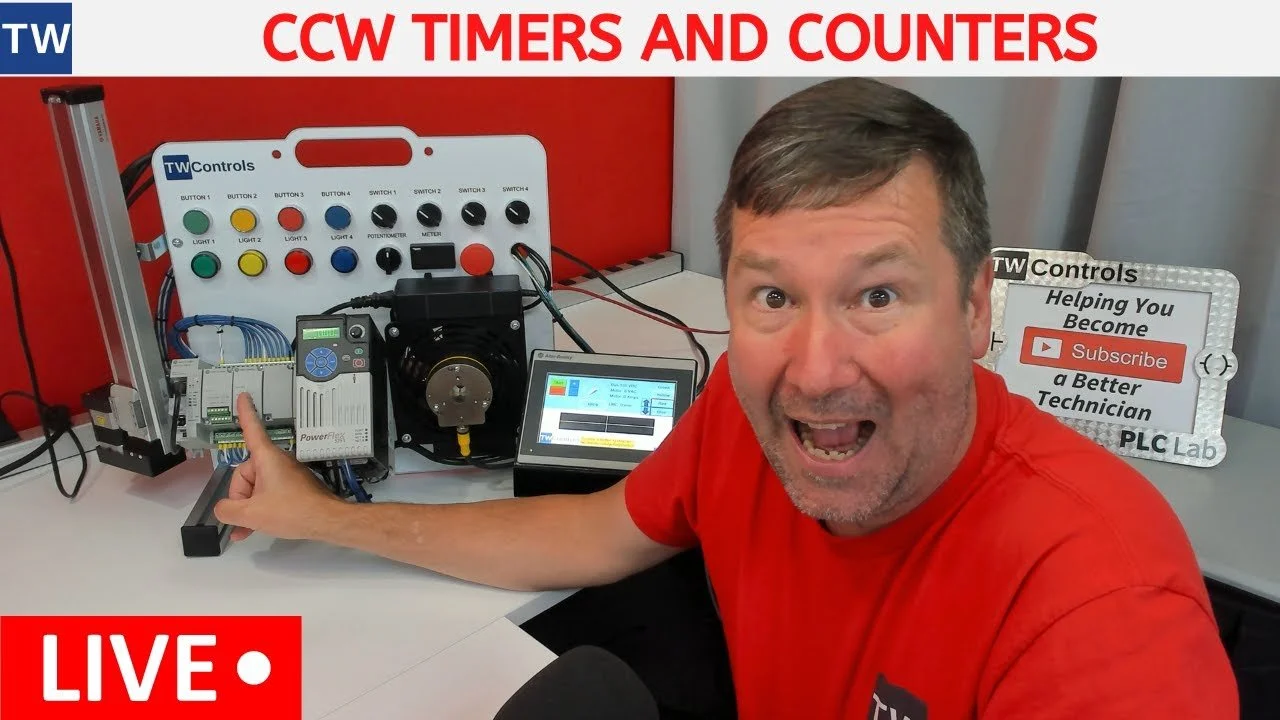
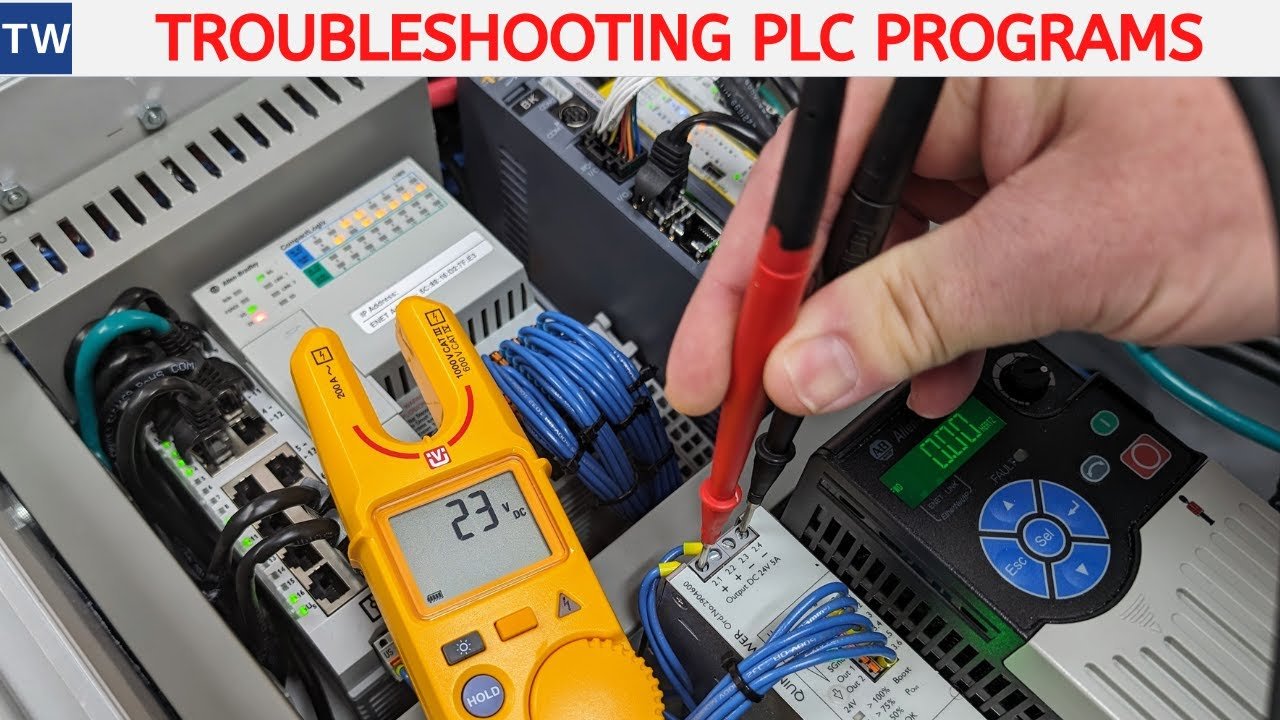
-
Yes, the Standard Edition of CCW is a free download from the Rockwell Automation website. It includes all the tools necessary for programming the entire Micro800 PLC line, configuring PowerFlex drives, and designing PanelView 800 HMI screens. There is a Developer Edition available for purchase, which adds advanced features like "Run Mode Change" (editing logic while the CPU is running) and User-Defined Data Types (UDTs).
-
Rockwell provides a Conversion Tool within CCW that can import .RSS files from RSLogix 500. However, because the architectures are so different (fixed addresses vs. variable tags), the conversion is rarely 100% "plug and play." You will often need to manually fix I/O mapping and reconfigure instructions that don't have a direct equivalent in the IEC 61131-3 standard.
-
One of the best features of the Micro800 line is the use of standard cables:
Micro820/850/870: Use a standard Ethernet cable or a USB-A to USB-B cable (the same cable used for most office printers).
Micro810: Requires a specific USB Adapter (2080-USBADPTR) because it does not have a built-in port.
-
CCW uses a built-in communication driver, but it still relies on RSLinx Classic or FactoryTalk Linx. If your controller isn't appearing, ensure you have the USB or Ethernet/IP driver configured. Often, the issue is a "Windows Firewall" block or an IP address mismatch where your laptop is not on the same subnet as the PLC.
-
In CCW, Global Variables are tags that can be accessed by any program within the project (similar to Controller Tags in Studio 5000). Local Variables are only visible to the specific program where they were created. Using Local Variables is considered "best practice" because it allows you to copy and paste logic modules without accidentally creating tag conflicts.
-
When the fault light is flashing, you must go online with CCW and navigate to the "Controller Diagnostics" tab. This will give you a specific error code (e.g., "Non-Recoverable Fault" or "I/O Mismatch"). Once you have addressed the physical cause, you can clear the fault and move the processor back into Run Mode through the software interface.
Ready to Move Beyond the Screen?
Reading manuals and watching videos is a great start, but in the world of industrial automation, there is no substitute for the real thing. You can't truly understand how a 4-20mA loop reacts or how a VFD behaves until you've wired it, configured it, and seen the motor spin.
Our PLC Trainers are designed specifically to accompany these guides. They feature genuine Allen Bradley hardware, built by technicians for technicians, so you can practice your skills safely in a controlled environment before you ever step onto the plant floor.
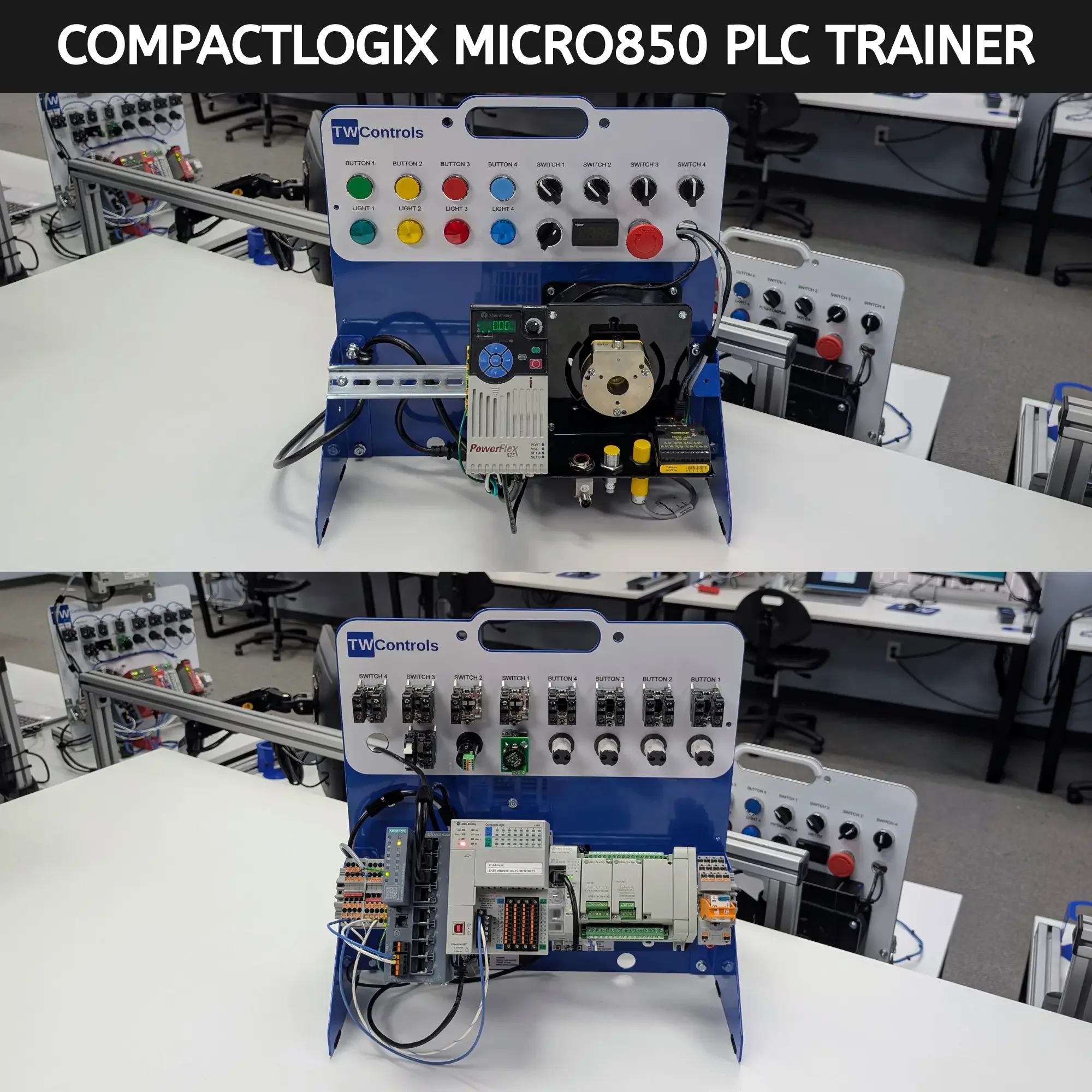

SKU: TRN-ICP-MICRO850