
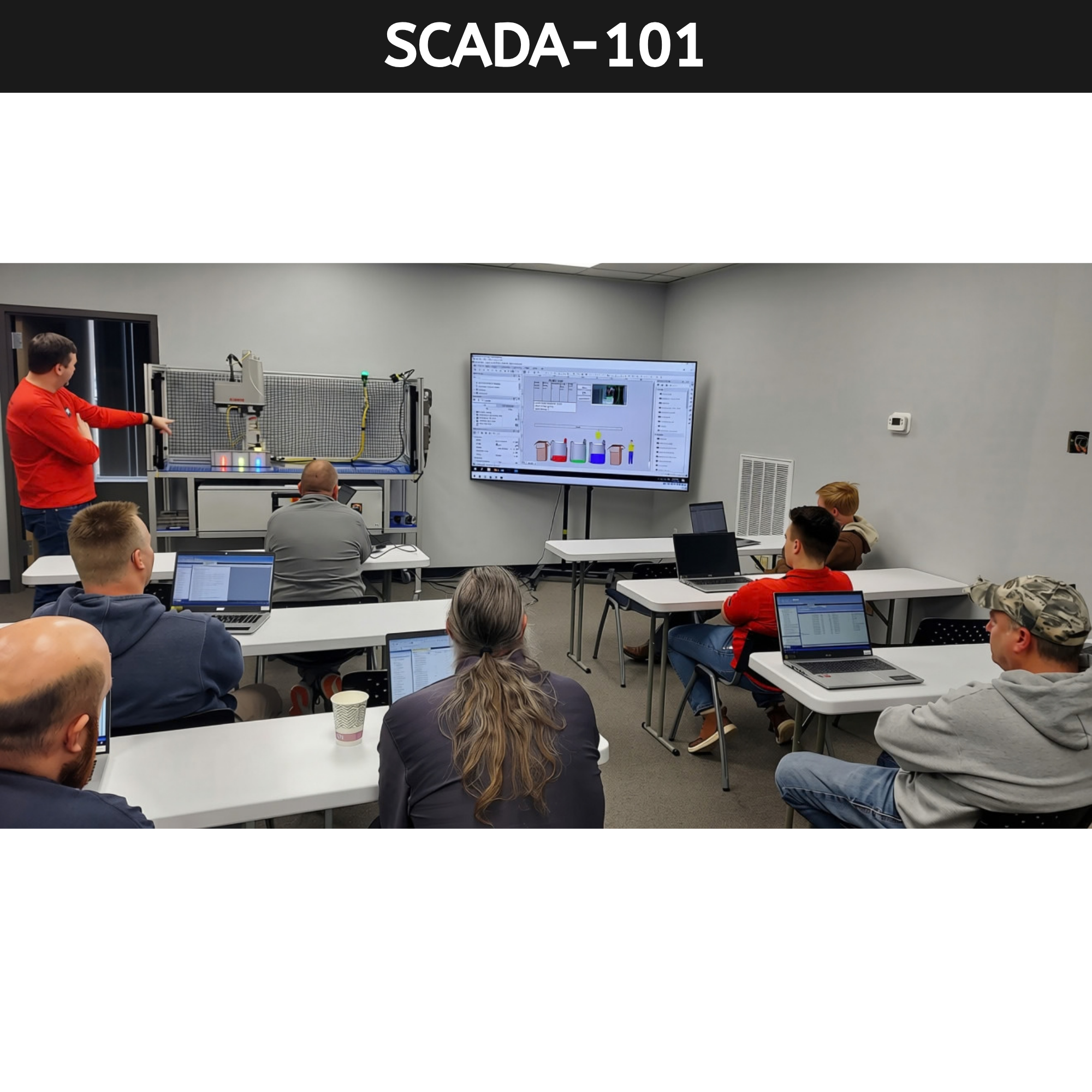
 Image 1 of 1
A Project-Based Approach to Ignition SCADA & HMI Design
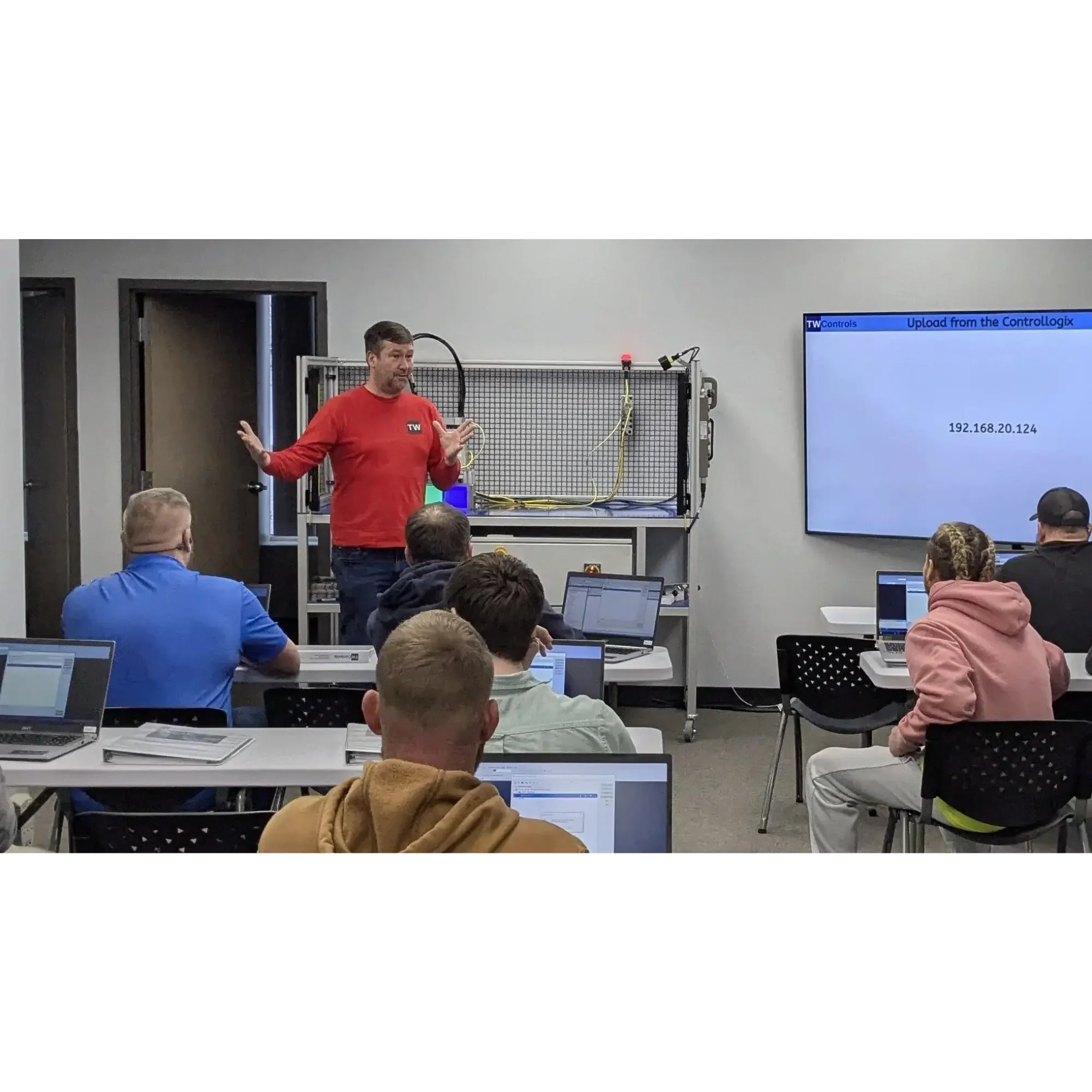
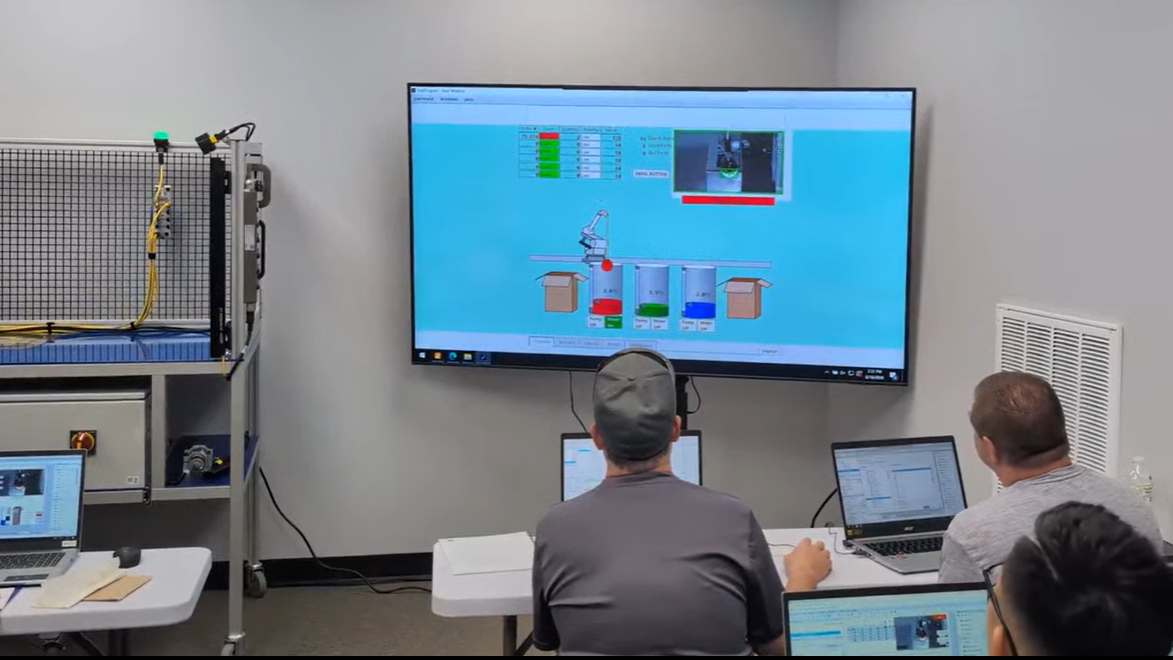
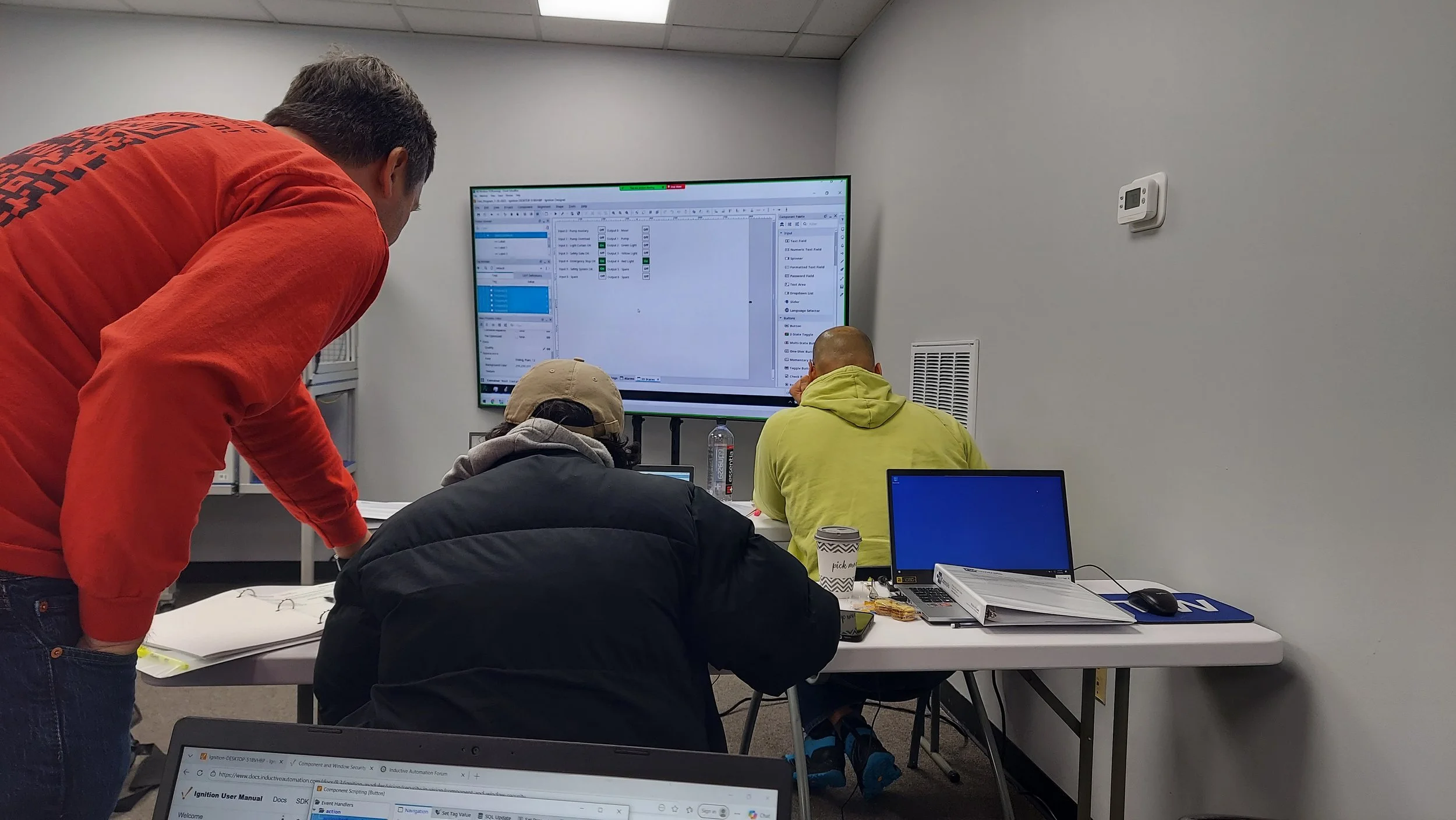
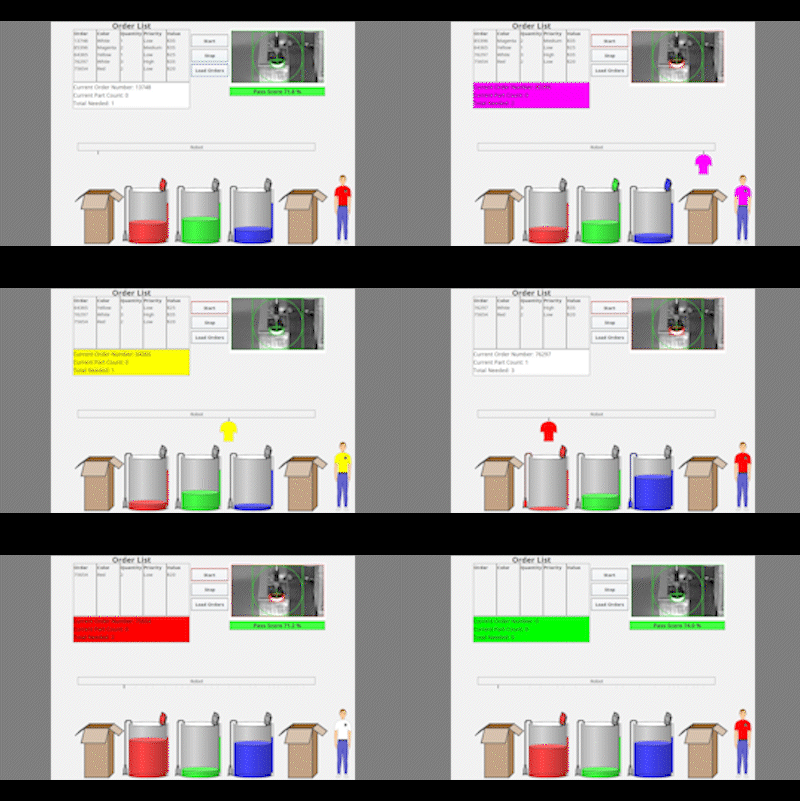
In the world of industrial automation, a common challenge is translating a client's needs from a detailed project scope into a working system. This workshop tackles that challenge head-on by providing a unique learning experience based on a real-world scenario. Instead of just teaching theoretical concepts, you will build out a SCADA system based on physical machines in the classroom including tank levels, pumps, mixers, robotics, and vision.
This isn't a simple simulation; it's a deep dive into the practical application of integration principles. You will learn to navigate the complexities of a real-world project, including:
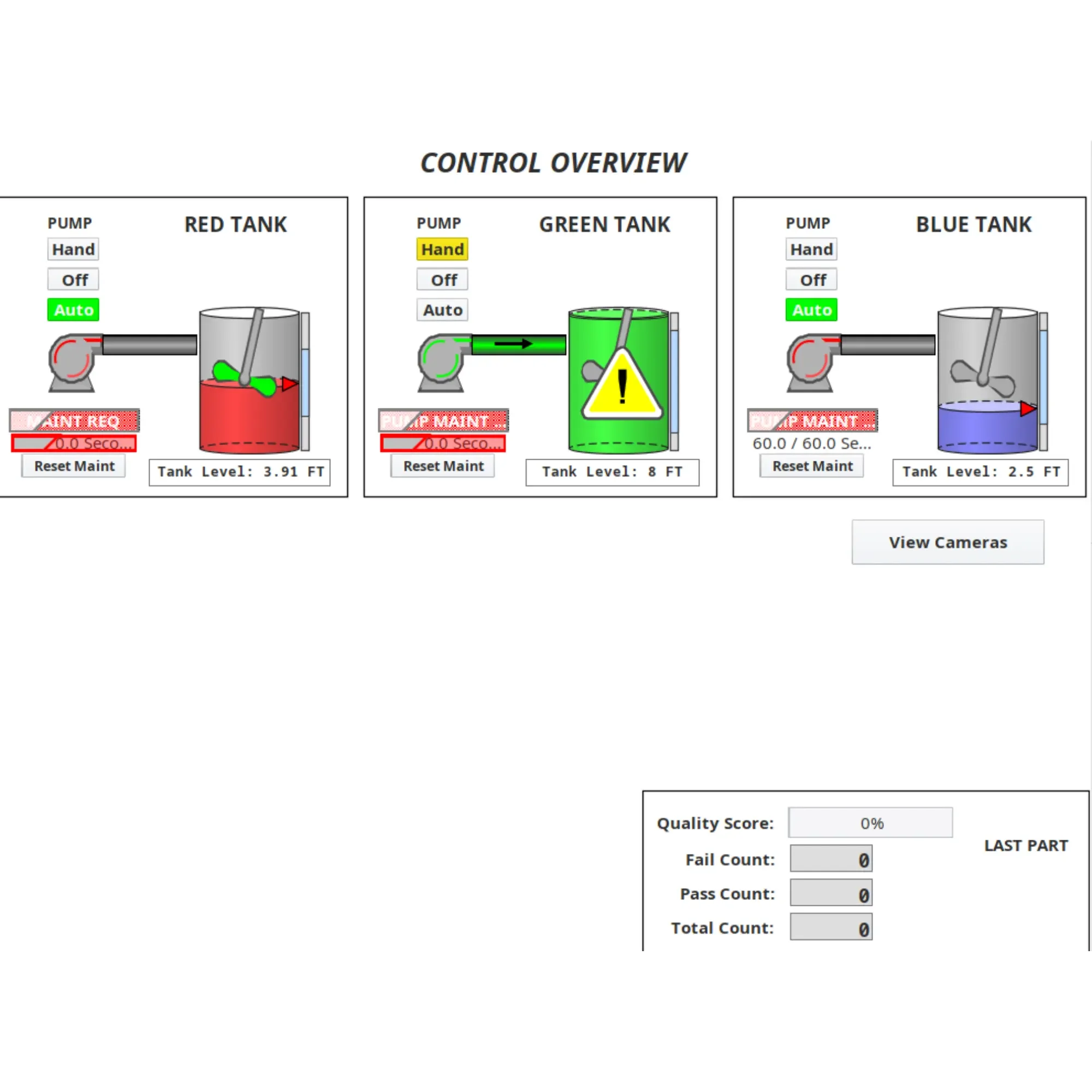
SCADA and HMI Development: Build human-machine interfaces just as you would for physical production machinery, designing screens with controls, graphics, and alarms that directly address client requirements.
Data Management: Build frameworks for data logging, trending, and reporting to track pump runtimes, OEE, and energy usage.
Security and User Management: Configure user authentication, roles, and permissions to ensure system security across different user access levels.
Communication Protocols: Connect to external devices including Allen-Bradley and Siemens PLCs using common industrial protocols including EtherNet/IP, Modbus TCP, and OPC UA.
Web Development & Mobile Integration: Create web-based dashboards using Ignition Perspective and integrate screens for mobile device access.
By focusing on a detailed project scope built around physical classroom machinery, this workshop allows you to concentrate on the crucial skills of planning, design, and implementation. You will learn to read between the lines of a client's request, identify potential issues, and build a robust, scalable solution. By the end, you'll have the confidence to approach a new integration project, knowing you can turn a document into a functioning system.
What You Will Learn in This Hands-On Ignition Class
HMI/SCADA Development:
Downloading and installing Inductive Automation’s Ignition
Creating basic operator screens with start, stop, and tank level indicators using Perspective and Vision
Designing settings screens to adjust control parameters
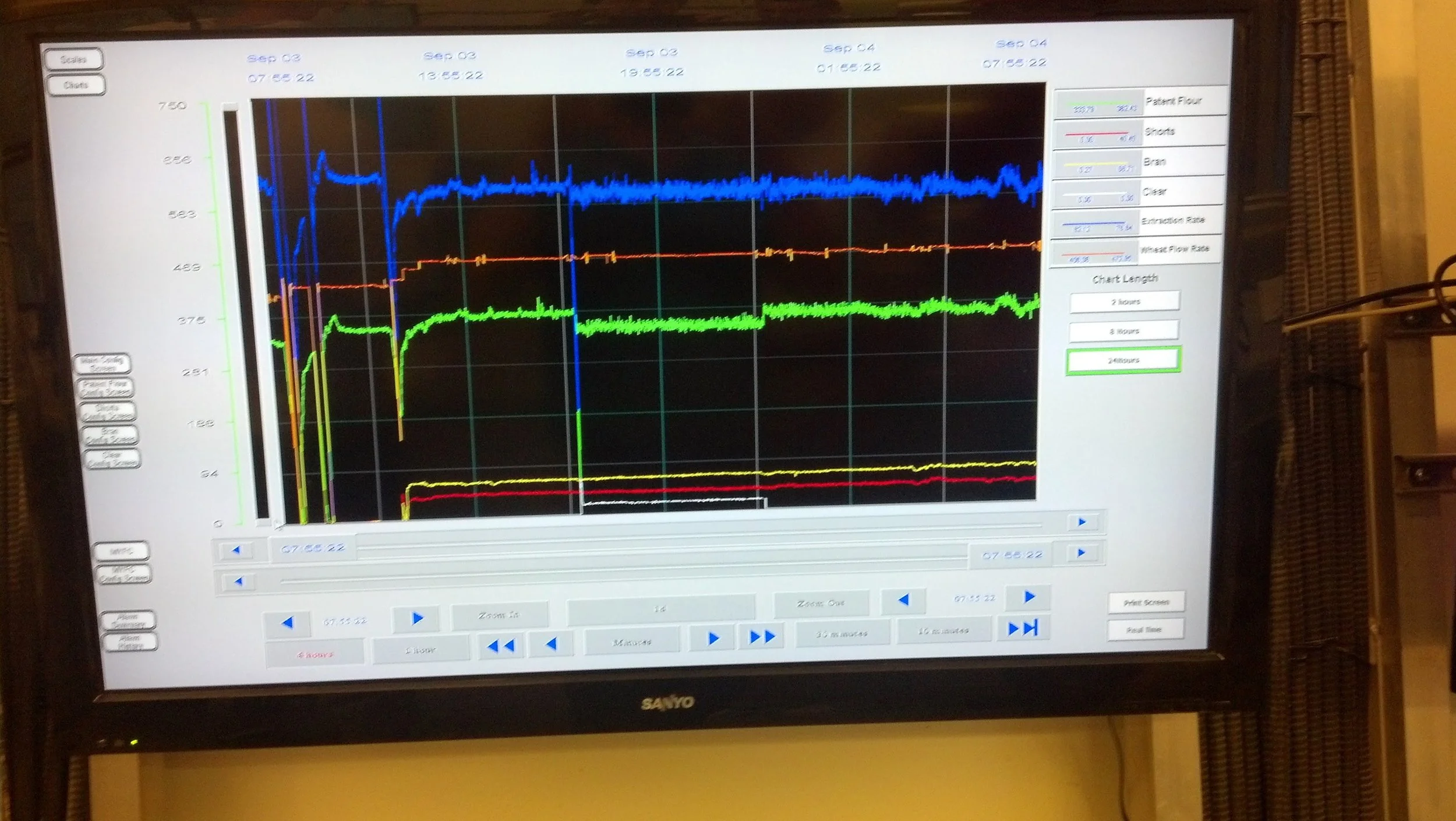
Building active and historical alarm screens
Best practices for screen navigation and layout
Developing graphical indicators and status displays
Adding real-time input and output indicators for rapid troubleshooting
Data Management & Reporting:
Logging system usage and pump runtime for predictive maintenance
Implementing logic for trend data on variables like tank level and pump speed
Creating daily system summary reports
Adding OEE tracking and energy monitoring features
Building recipe systems to load predefined control parameters
Alarming & Safety:
Creating alarms and warnings with logic to differentiate priority levels
Assigning priorities to critical system alarms
Developing filtered alarm listings for active, historical, and acknowledged events
Setting up automated email notifications for critical alarms
Implementing safety-related alarm messaging for E-stops and drive faults
PLC & Network Communications:
Connecting Ignition to Allen-Bradley (ControlLogix/CompactLogix) and Siemens PLCs
Configuring OPC UA connections for native communications
Setting up Modbus TCP and EtherNet/IP device communications