
The Ultimate Guide to Studio 5000 PLC Programming
Whether you are transitioning from RSLogix 500 or starting fresh, Studio 5000 (Logix Designer) is the backbone of modern Allen Bradley systems. This guide is designed for technicians who need to get machines running and keep them running.
What is Studio 5000?
Studio 5000 Logix Designer, which is used to program the ControlLogix and CompactLogix families of PLCs, is more than just a programming tool; it is an integrated engineering environment.
Choosing the Right Version
Unlike older software, Studio 5000 versions are "Firmware Specific." If your PLC has Version 33 firmware, you must have Version 33 of Studio 5000 installed on your PC to go online.
Logix Designer Data Types
| Type | Full Name | Size | Typical Use Case |
|---|---|---|---|
| BOOL | Boolean | 1-bit | On/Off states (Switches, Pushbuttons, Coils) |
| SINT | Short Integer | 8-bit | Small numbers or ASCII characters (-128 to 127) |
| INT | Integer | 16-bit | Standard math and legacy data (-32,768 to 32,767) |
| DINT | Double Integer | 32-bit | The Standard. Use for all math and counters. |
| REAL | Floating Point | 32-bit | Precision math (Analog 4-20mA, Tank Levels, Temp) |
*Note: There are many more specialized data types (LINT, STRING, etc.), but these are the most common types used by technicians daily.
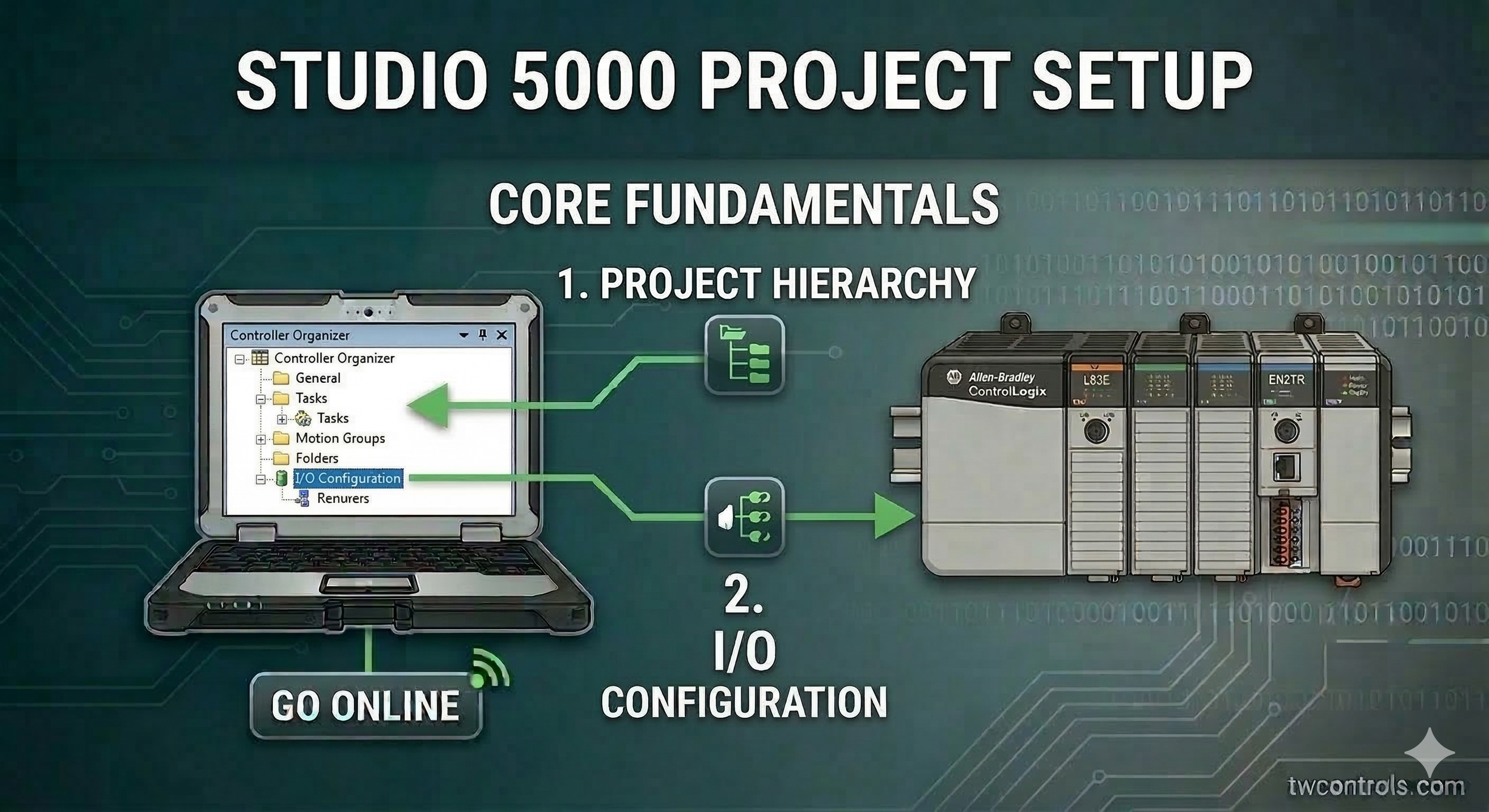
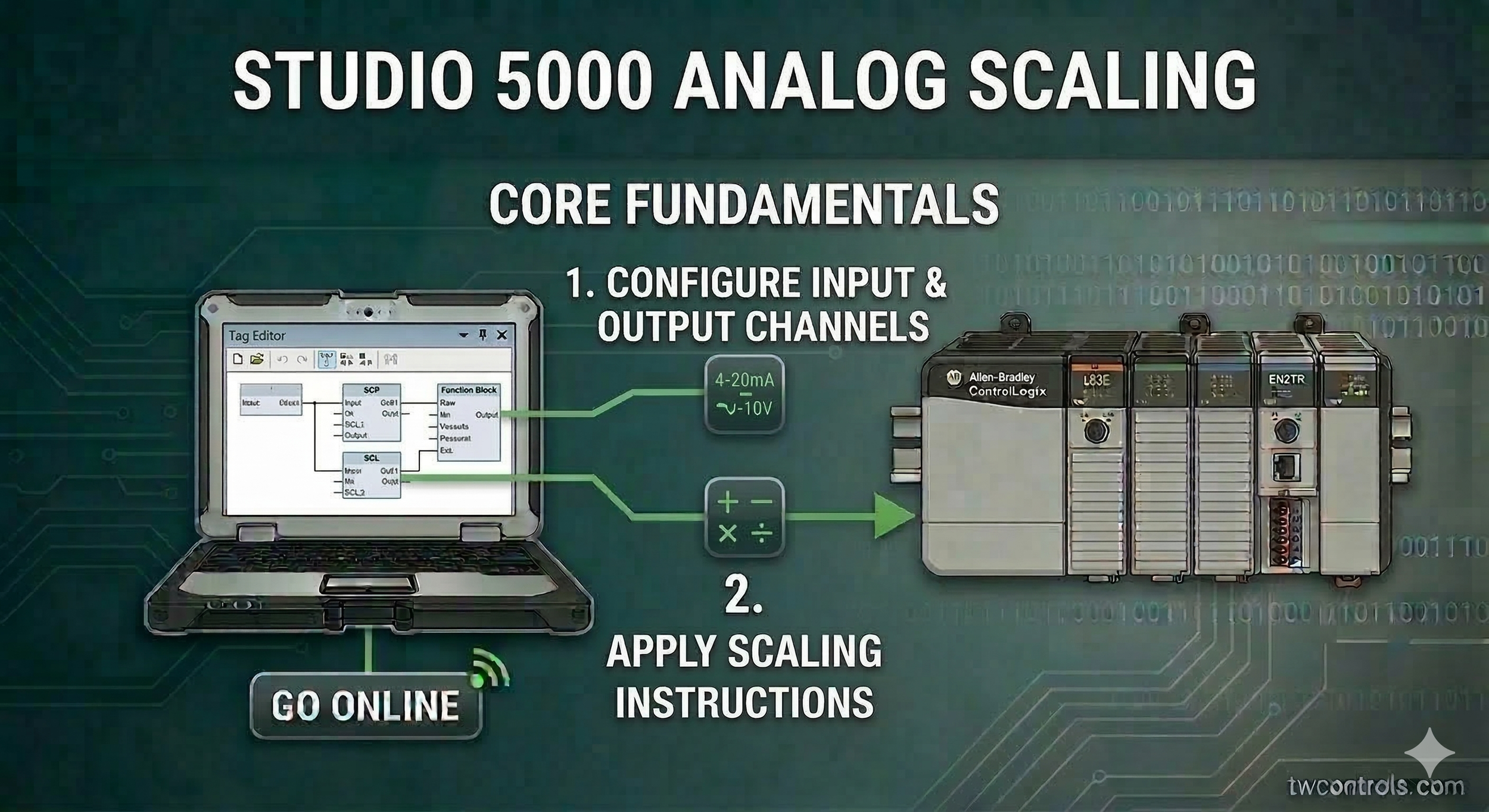
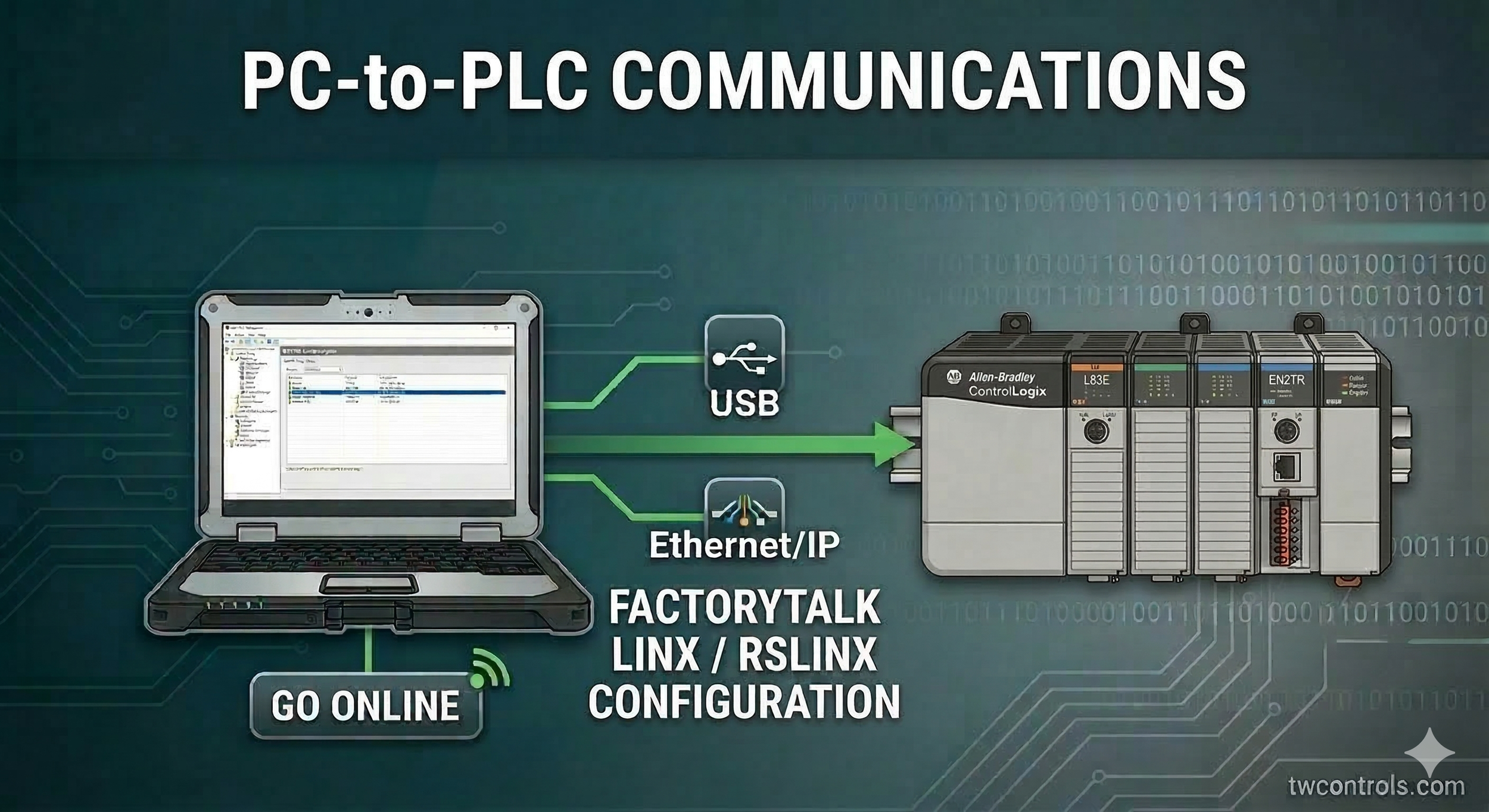
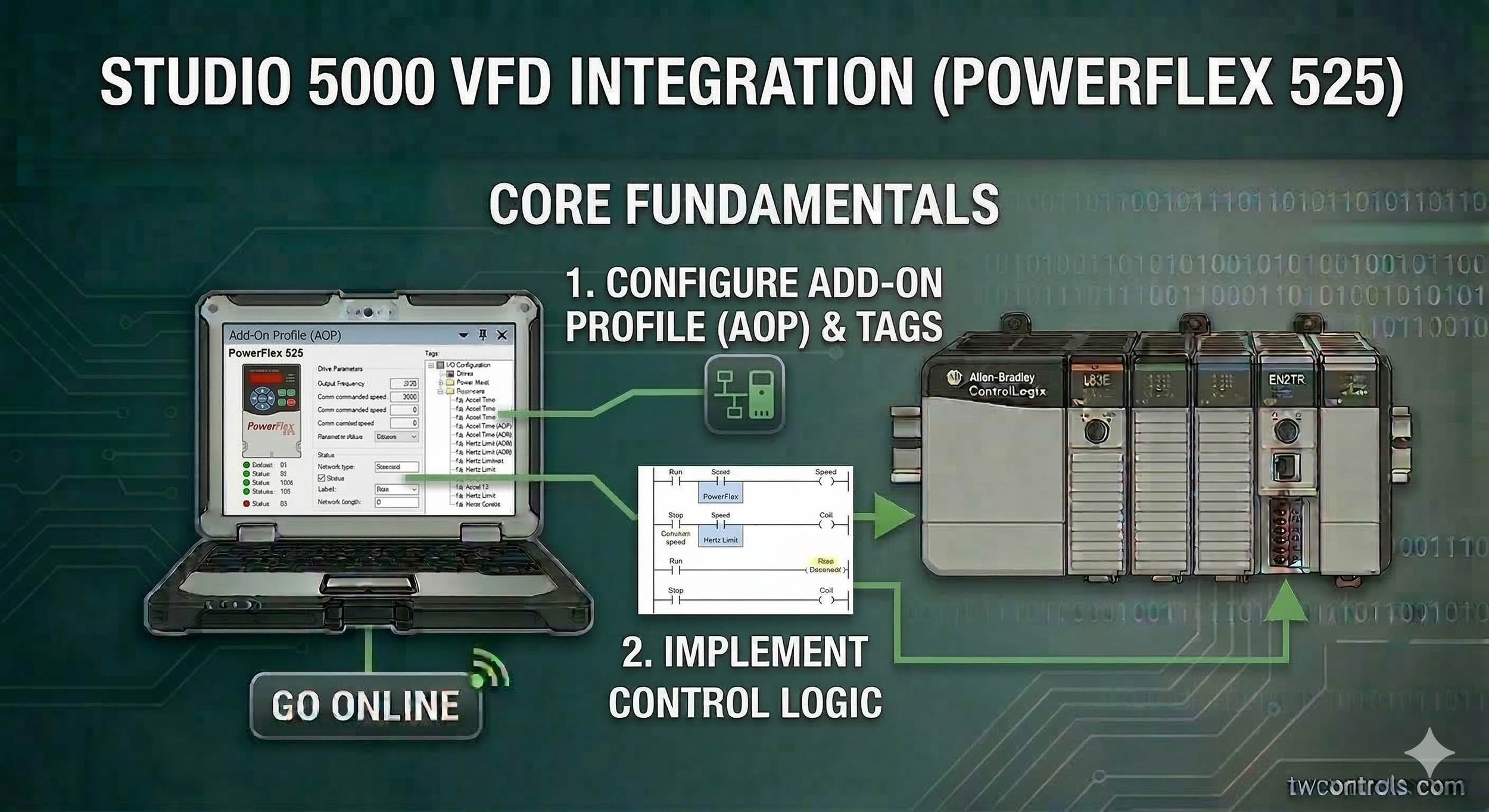
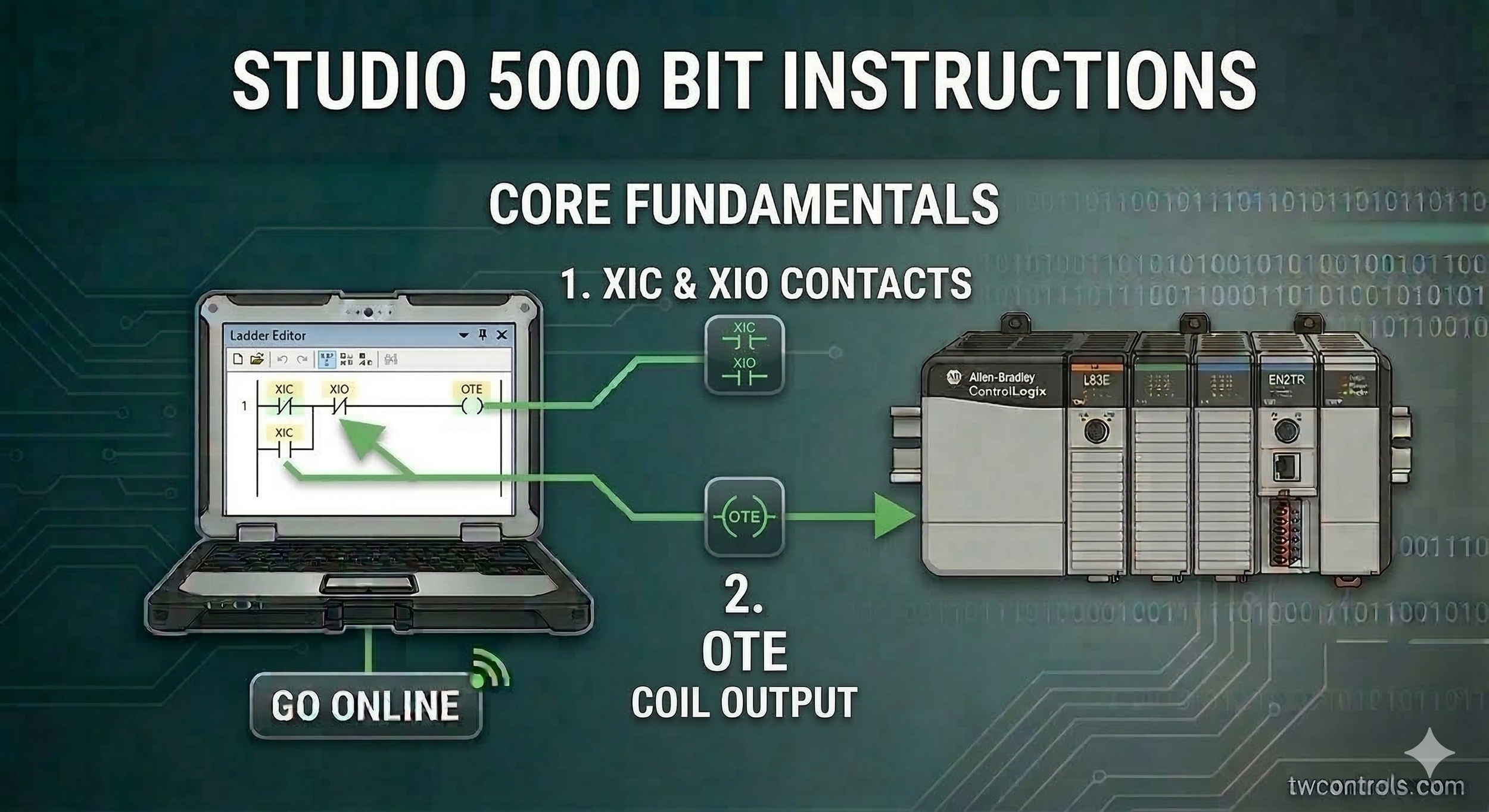
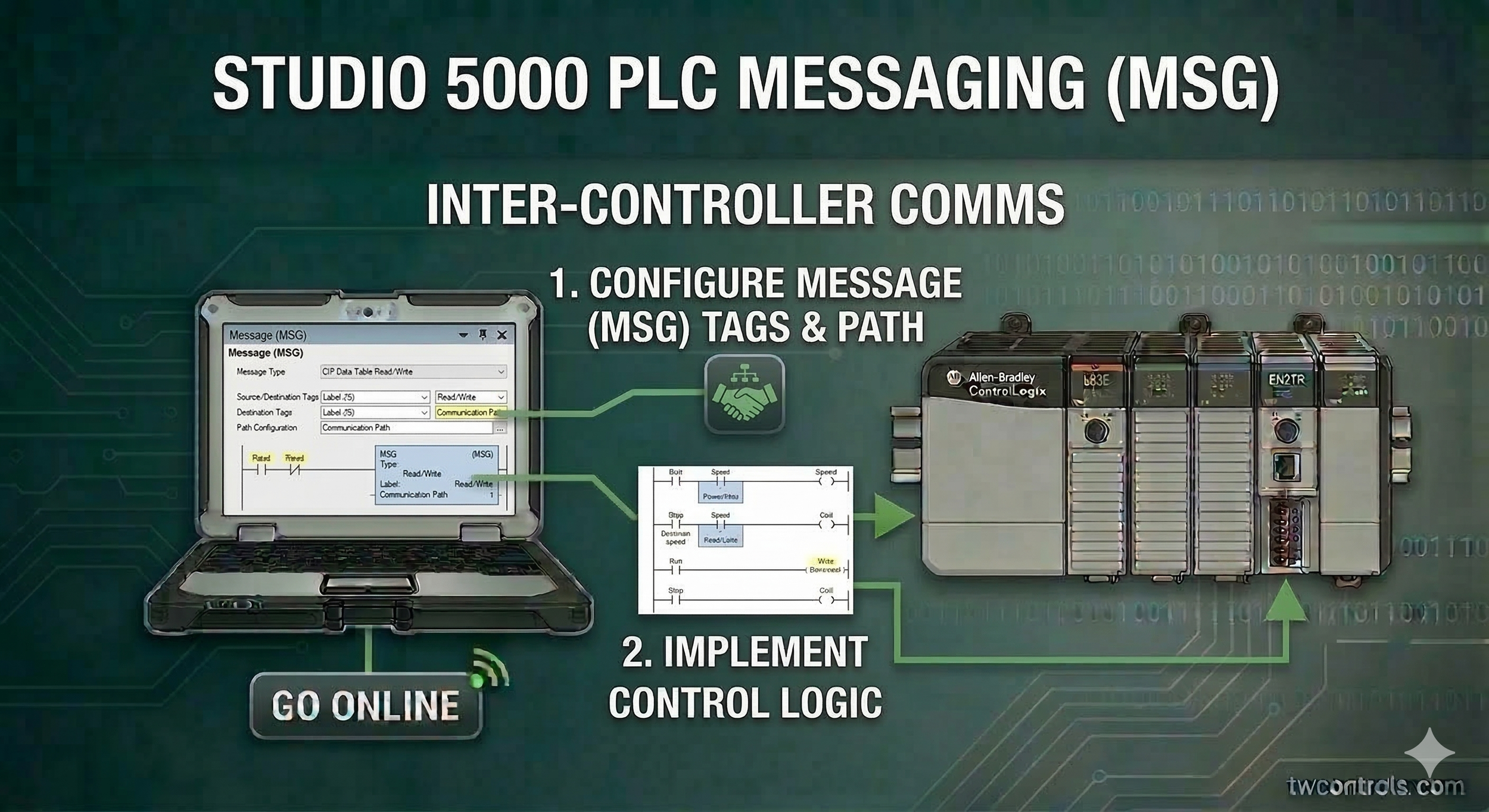
Step-by-Step Studio 5000 Training Modules
Follow these lessons in order to build a solid foundation in Logix Designer.
-
Rockwell Automation does not offer a permanent free version of Studio 5000. However, there is a 7-day "grace period" after installation where the software is fully functional. For a truly free programming environment from Rockwell, you would need to look at Connected Components Workbench (CCW) for the Micro800 series.
-
It is primarily a branding change. Versions 20 and earlier are called RSLogix 5000. Version 21 and higher are called Studio 5000 Logix Designer. While the name changed to reflect a broader suite of tools (like View Designer), the core ladder logic environment remains very similar.
-
No. Studio 5000 is strictly for the Logix family (ControlLogix and CompactLogix). For older "legacy" hardware like the MicroLogix or SLC 500, you must use RSLogix 500.
-
You need the version of Studio 5000 that matches the firmware version of the PLC. If your PLC is running firmware V33, you must have V33 of the software installed on your PC. Most industrial laptops end up with a dozen or more versions installed simultaneously to support different machines.
-
An AOI is a custom instruction created by a programmer to encapsulate a specific logic function (like a complex motor lead-lag or a specific valve control) so it can be reused multiple times throughout a project or in future projects. This is a key feature in the Professional and Standard editions of the software.
-
To clear a fault, you must go online with the controller, click on the "Controller Status" (usually a red icon), go to the "Faults" tab, and click Clear Major Faults. Note that if the underlying issue (like a math overflow or I/O failure) isn't fixed, the PLC will fault again immediately when put back into Run mode.
Ready to Move Beyond the Screen?
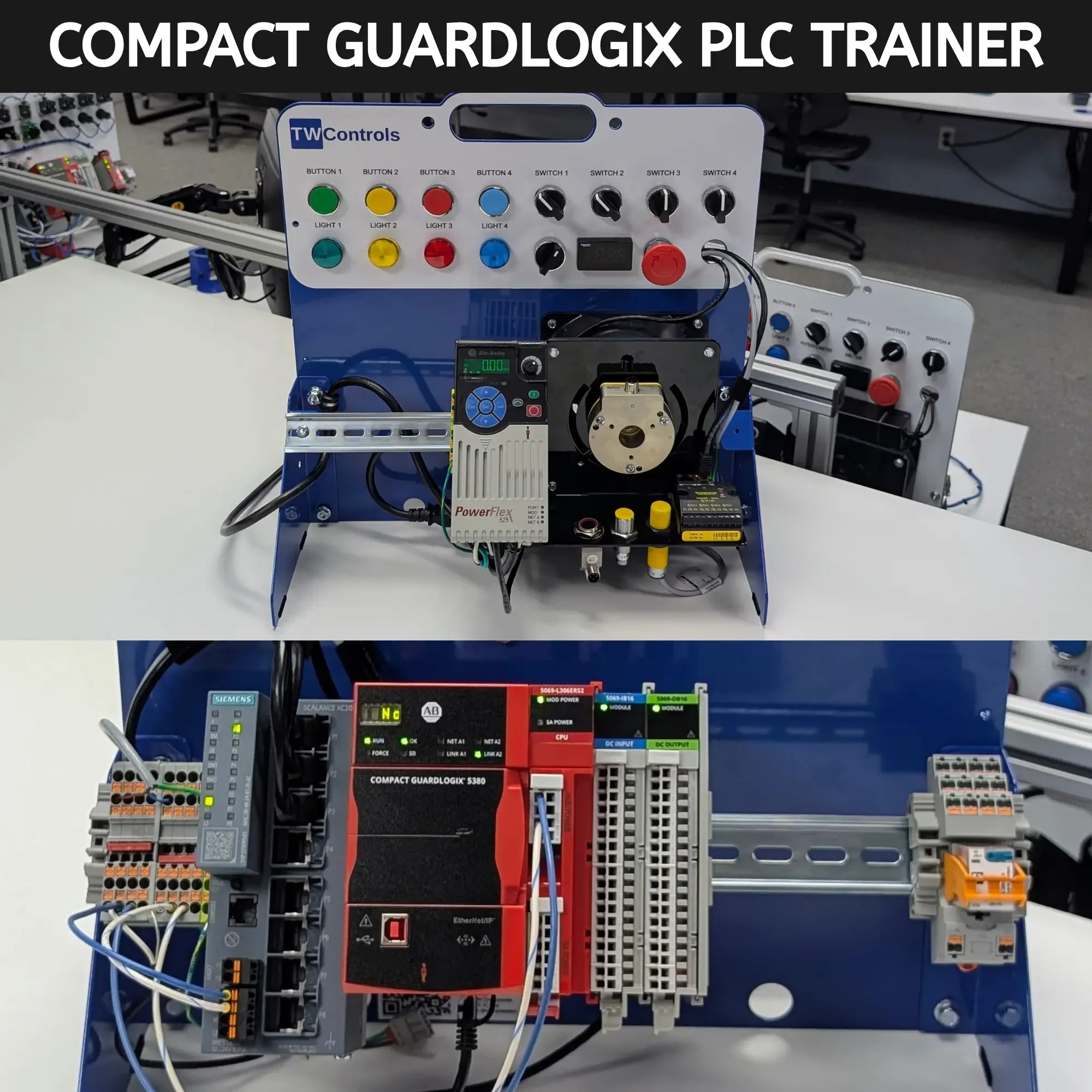
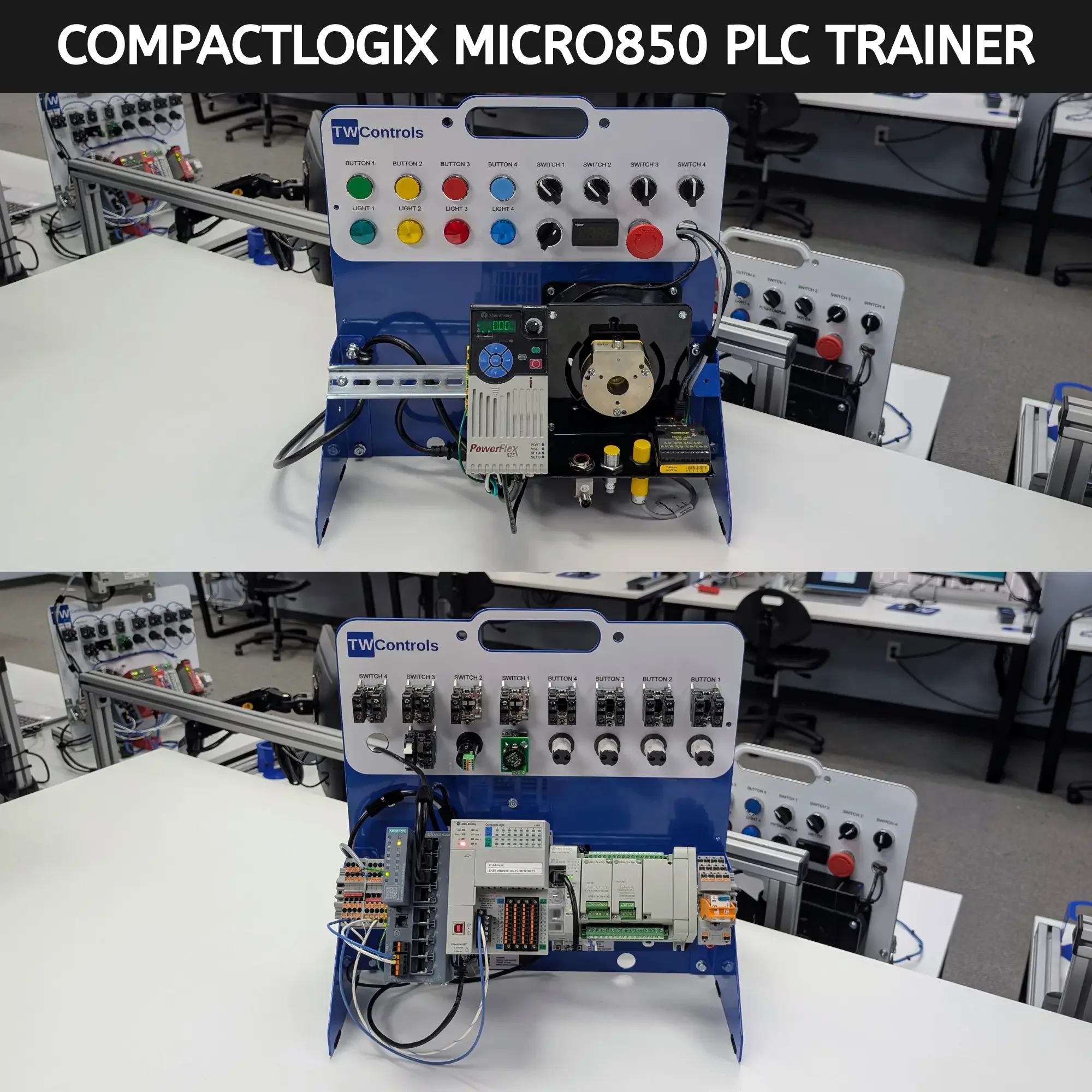
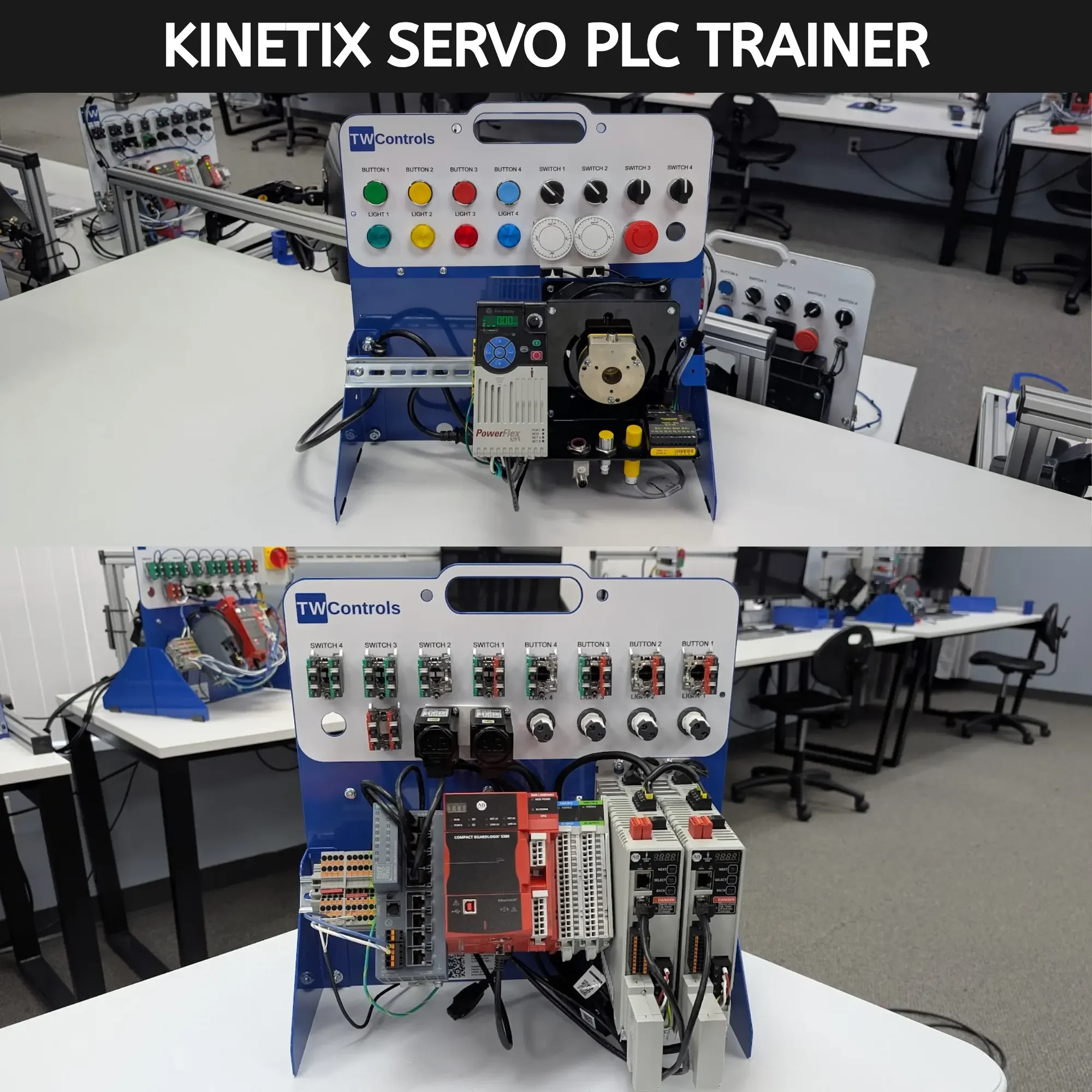
Reading manuals and watching videos is a great start, but in the world of industrial automation, there is no substitute for the real thing. You can't truly understand how a 4-20mA loop reacts or how a VFD behaves until you've wired it, configured it, and seen the motor spin.
Our PLC Trainers are designed specifically to accompany these guides. They feature genuine Allen Bradley hardware, built by technicians for technicians, so you can practice your skills safely in a controlled environment before you ever step onto the plant floor.
SKU: TRN-ICP-RA5000