
The Legacy Technician’s Guide to RSLogix 500
While Rockwell Automation has moved much of this hardware to "Active Mature" or "End of Life," millions of MicroLogix and SLC 500 controllers still run the world's production lines. This guide is built to help you troubleshoot, modify, and maintain legacy systems without the guesswork.
Legacy Hardware & Software Foundation
Understanding the relationship between the hardware and the software is the first step in legacy troubleshooting. Unlike Studio 5000, where versions are tied strictly to firmware, RSLogix 500 is much more forgiving—but the hardware communication is where most technicians get stuck.
Hardware Compatibility
RSLogix 500 is the dedicated programming environment for three primary families of Allen-Bradley controllers:
MicroLogix: The 1000, 1100, 1200, 1400, and 1500. These were the "bricks" of the automation world.
SLC 500: The modular 1747 system, including the 5/03, 5/04, and 5/05 processors.
Legacy Systems: Note that the PLC-5 uses a nearly identical software called RSLogix 5 (though the files are not directly interchangeable).
Software Versioning & Compatibility
One Version Fits All: Typically, the latest version of RSLogix 500 (V12) can open, edit, and download to any legacy processor. You do not need to install multiple versions to support different machines.
Windows 11 Support: While RSLogix 500 was designed for older operating systems, it is still supported on Windows 10 and 11. However, you must often run the installer and the application in Compatibility Mode (Windows 7) to ensure stable communication.
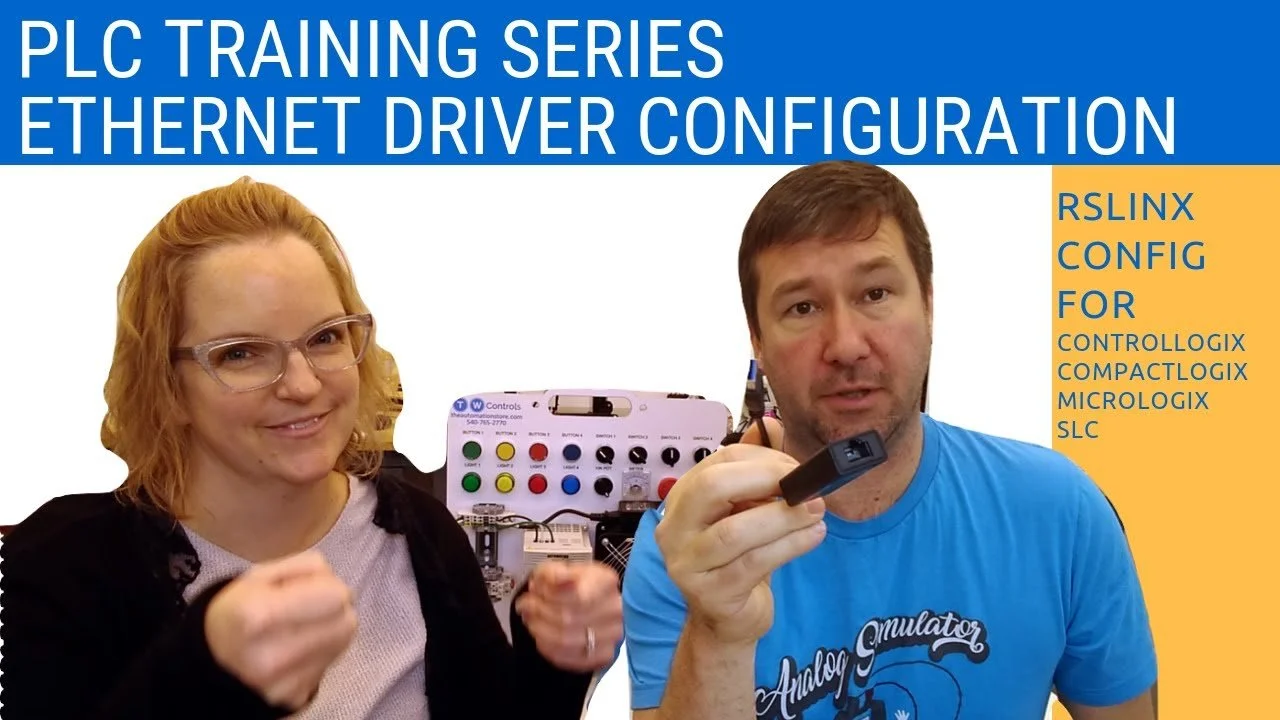
RSLinx Classic: This software handles the "handshake" between your PC and the PLC. For RSLogix 500, you will primarily use Serial (DF1) or Ethernet devices drivers within RSLinx.
Technician's Tip: If you are working on a MicroLogix 1000 or 1100, Rockwell still offers a "Starter" version of RSLogix 500 for free. This is the perfect way to learn the logic environment without a massive software investment.
| File Type | Description | Typical Use Case | Addressing Example |
|---|---|---|---|
| B3 (Binary) | Internal Bits | Virtual control relays and interlocks. | B3:0/1 |
| T4 (Timer) | Timing Files | On-delays, off-delays, and retentive timers. | T4:0.ACC |
| C5 (Counter) | Counting Files | Part counts, batching, and cycle tracking. | C5:0.ACC |
| N7 (Integer) | 16-Bit Whole Numbers | Speeds, presets, and standard math (-32,768 to 32,767). | N7:0 |
| F8 (Float) | Floating Point | Analog scaling, levels, and precision decimals. | F8:0 |
| L (Long) | 32-Bit Integer | Large math results and high-speed counter values. | L9:0 |
Step-by-Step RSLogix 500 Training Modules
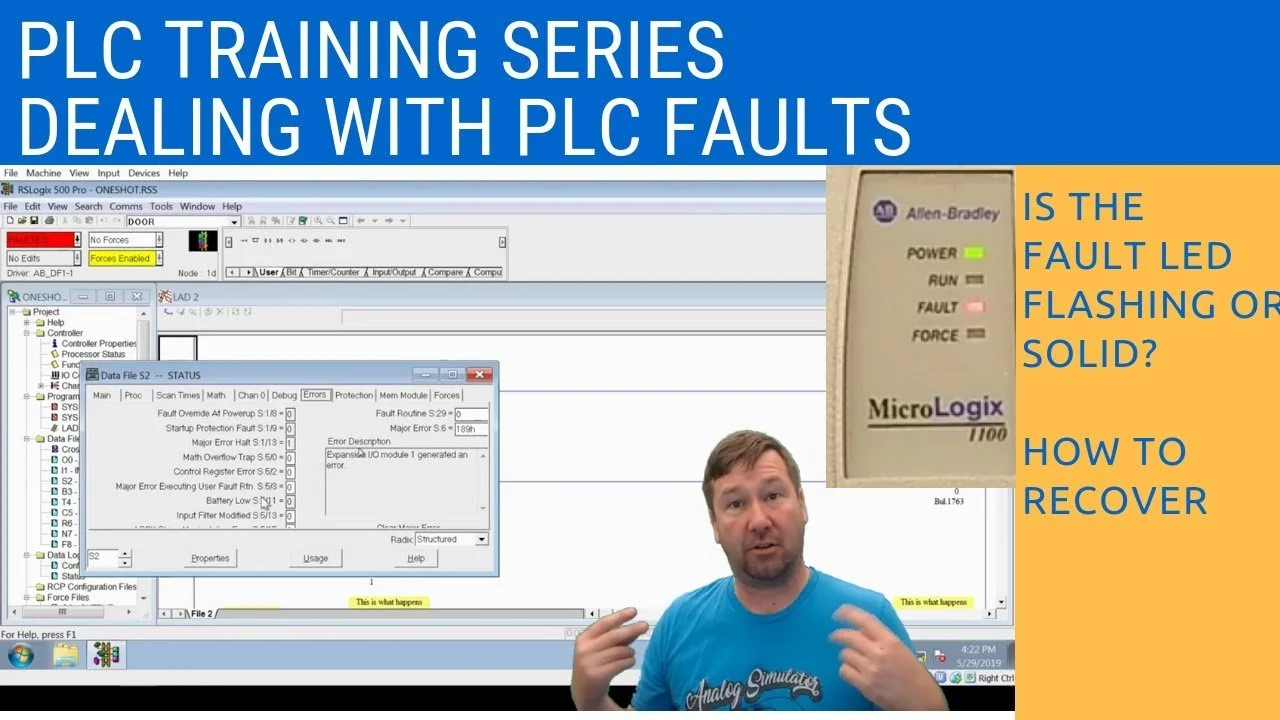
Follow these lessons in order to build a solid foundation.
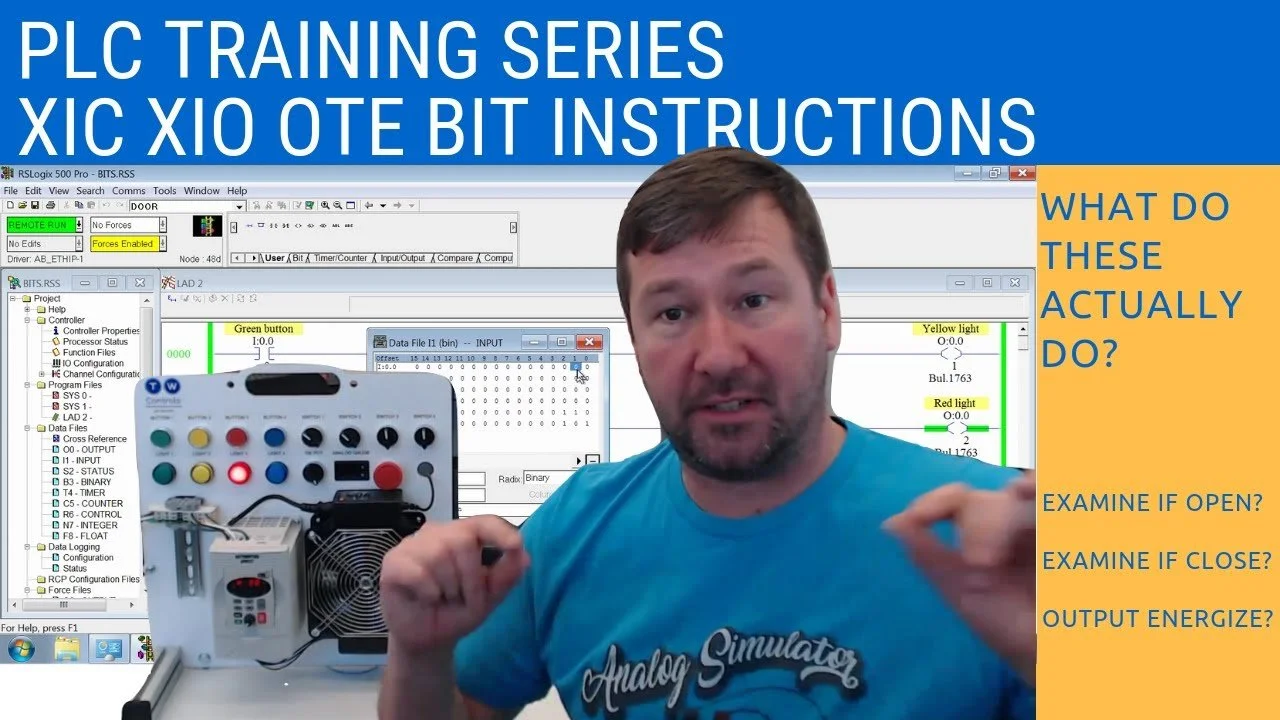
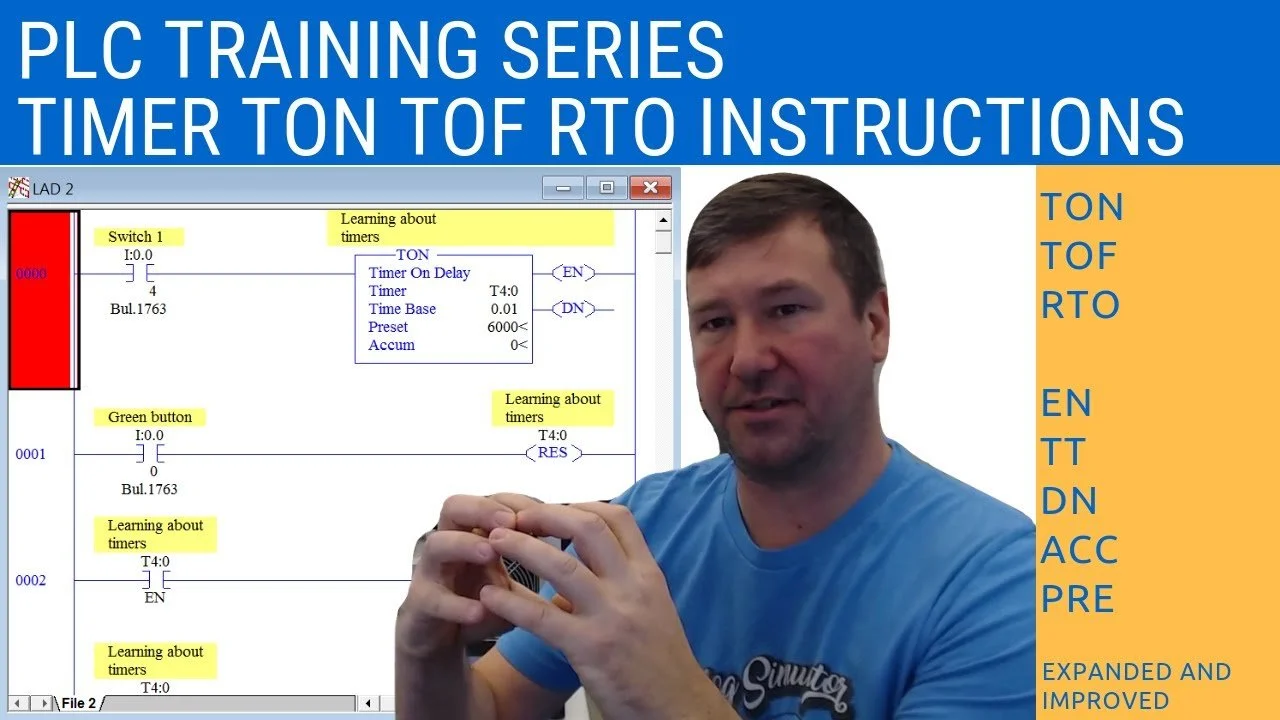
-
Yes, but it is limited to specific hardware. Rockwell Automation offers RSLogix Micro Starter Lite, which is free to download. It only supports the MicroLogix 1000 and MicroLogix 1100 controllers. For the MicroLogix 1200, 1400, 1500, or any SLC 500 series, you must purchase a standard RSLogix 500 license.
-
While RSLogix 500 was built for older operating systems, it is compatible with Windows 11. To ensure stability, right-click the installation file (and later the application icon), select Properties, go to the Compatibility tab, and set it to run in compatibility mode for Windows 7. Additionally, always "Run as Administrator" to avoid communication driver errors in RSLinx.
-
It depends on the specific model:
MicroLogix 1000, 1200, 1500: Requires a 1761-CBL-PM02 (8-pin mini-DIN to Serial).
MicroLogix 1100, 1400: Can use the PM02 cable OR a standard Ethernet cable (the preferred method for modern laptops).
SLC 5/01, 5/02, 5/03, and 5/04: Requires a 1747-CP3 (RS-232) or a specialized UIC (USB to DH-485) converter.
-
Yes. Rockwell provides a Project Migrator tool that can convert .ACH or .RSS files into the .ACD format used by Studio 5000 but it should be used with caution. Since RSLogix 500 is address-based (B3:0/0) and Studio 5000 is tag-based, you will need to verify your alias tags and I/O mapping after the conversion to ensure the logic still functions correctly.
-
No. While RSLogix 500 is essential for maintaining existing equipment, it should not be used for new installations. The hardware (SLC 500 and MicroLogix) is largely discontinued or in "Active Mature" status, meaning parts are becoming expensive and difficult to source. For any new project, you should use Studio 5000 with CompactLogix or ControlLogix hardware, or Connected Components Workbench (CCW) for the Micro800 series. Using modern hardware ensures long-term support, better security, and easier integration with modern factory networks.
Ready to Move Beyond the Screen?
Reading manuals and watching videos is a great start, but in the world of industrial automation, there is no substitute for the real thing. You can't truly understand how a 4-20mA loop reacts or how a VFD behaves until you've wired it, configured it, and seen the motor spin.
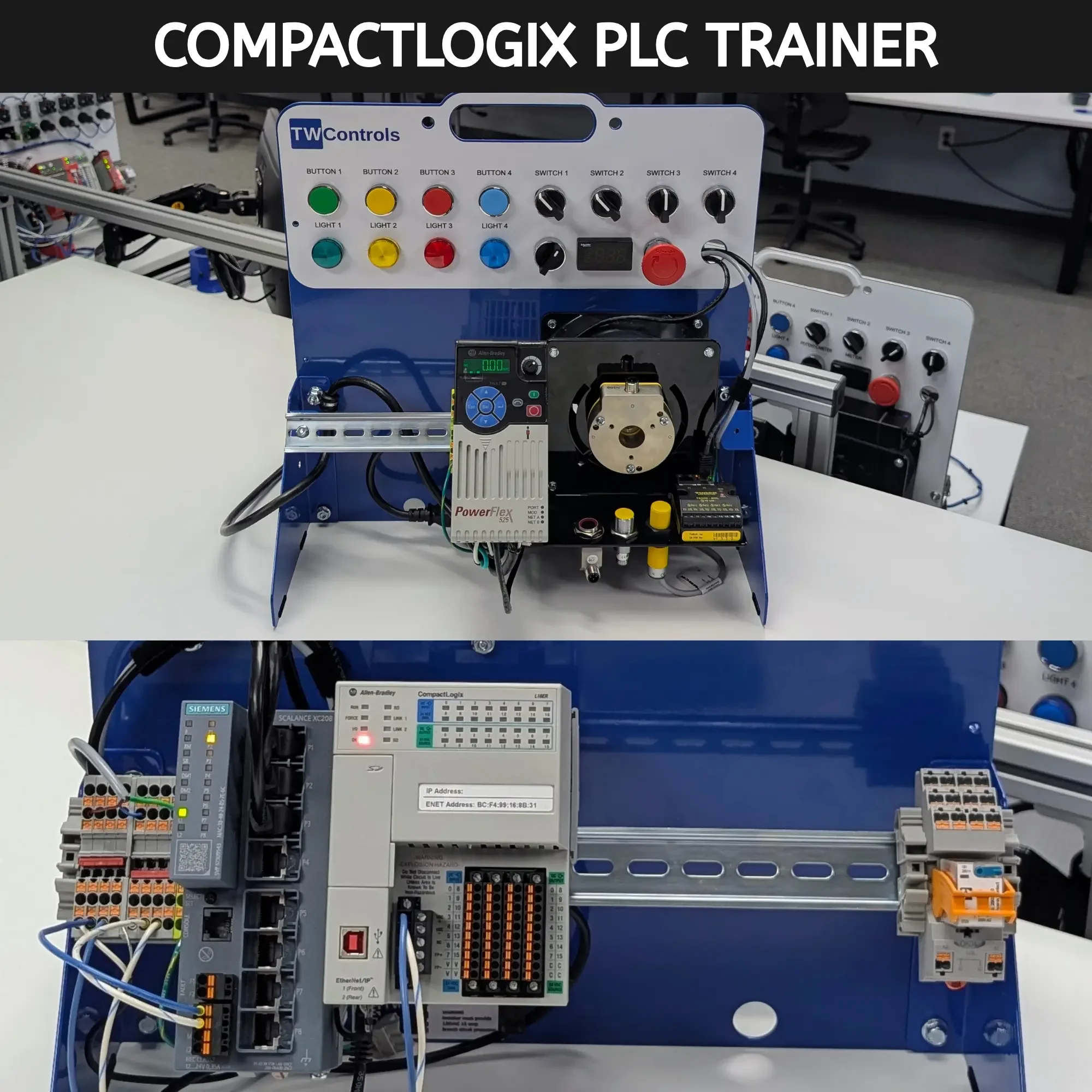
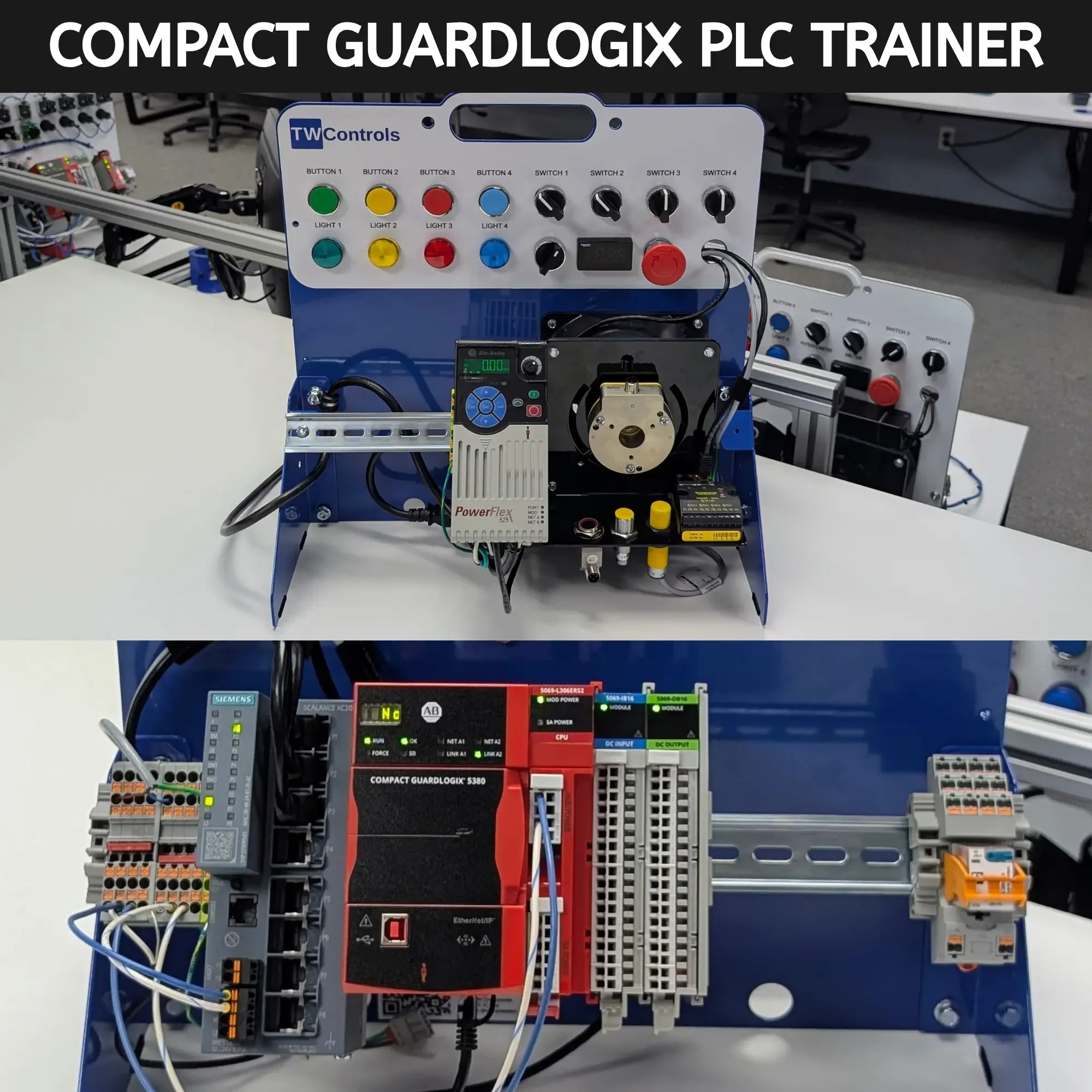
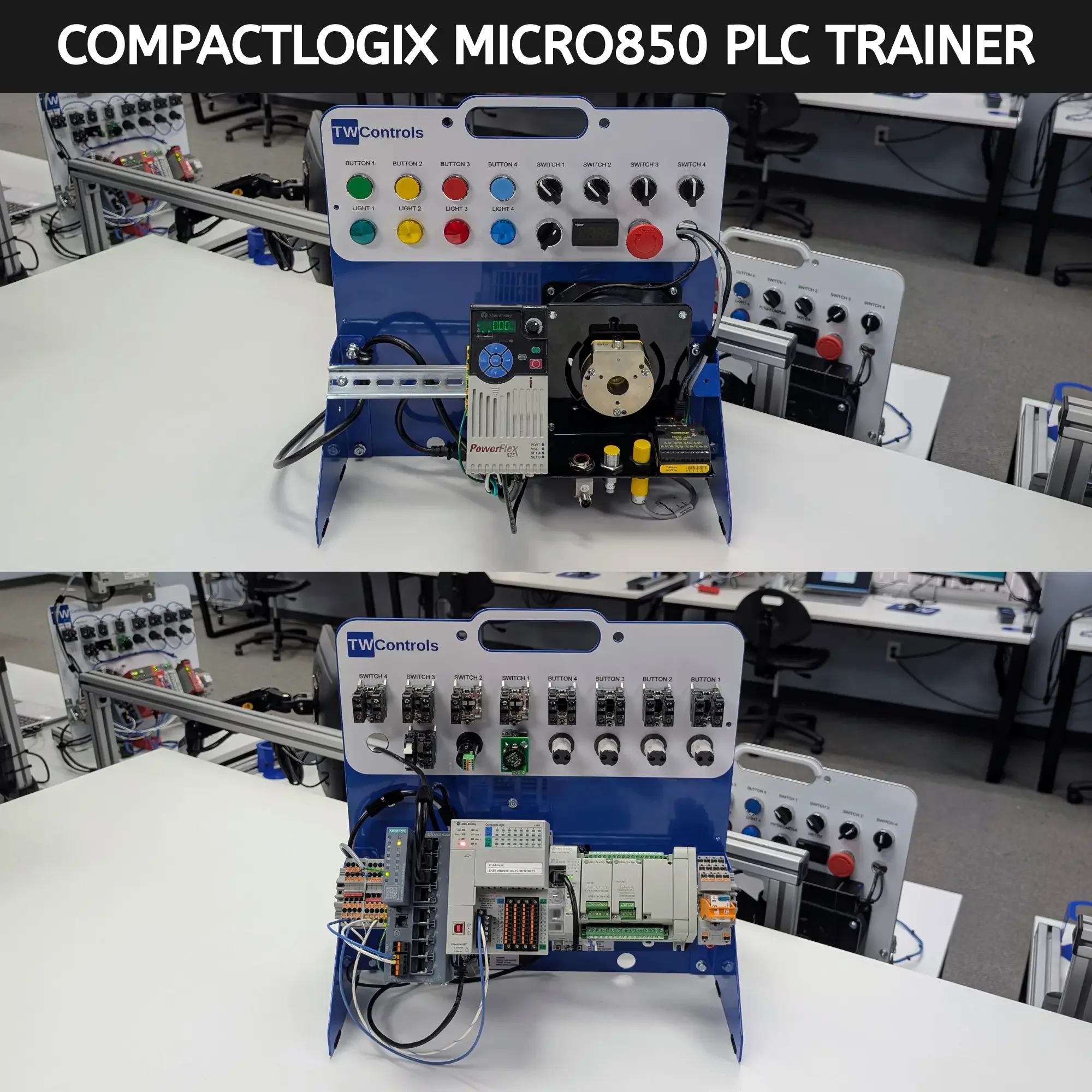
Our PLC Trainers are designed specifically to accompany these guides. They feature genuine Allen Bradley hardware, built by technicians for technicians, so you can practice your skills safely in a controlled environment before you ever step onto the plant floor.
SKU: TRN-ICP-MICRO850